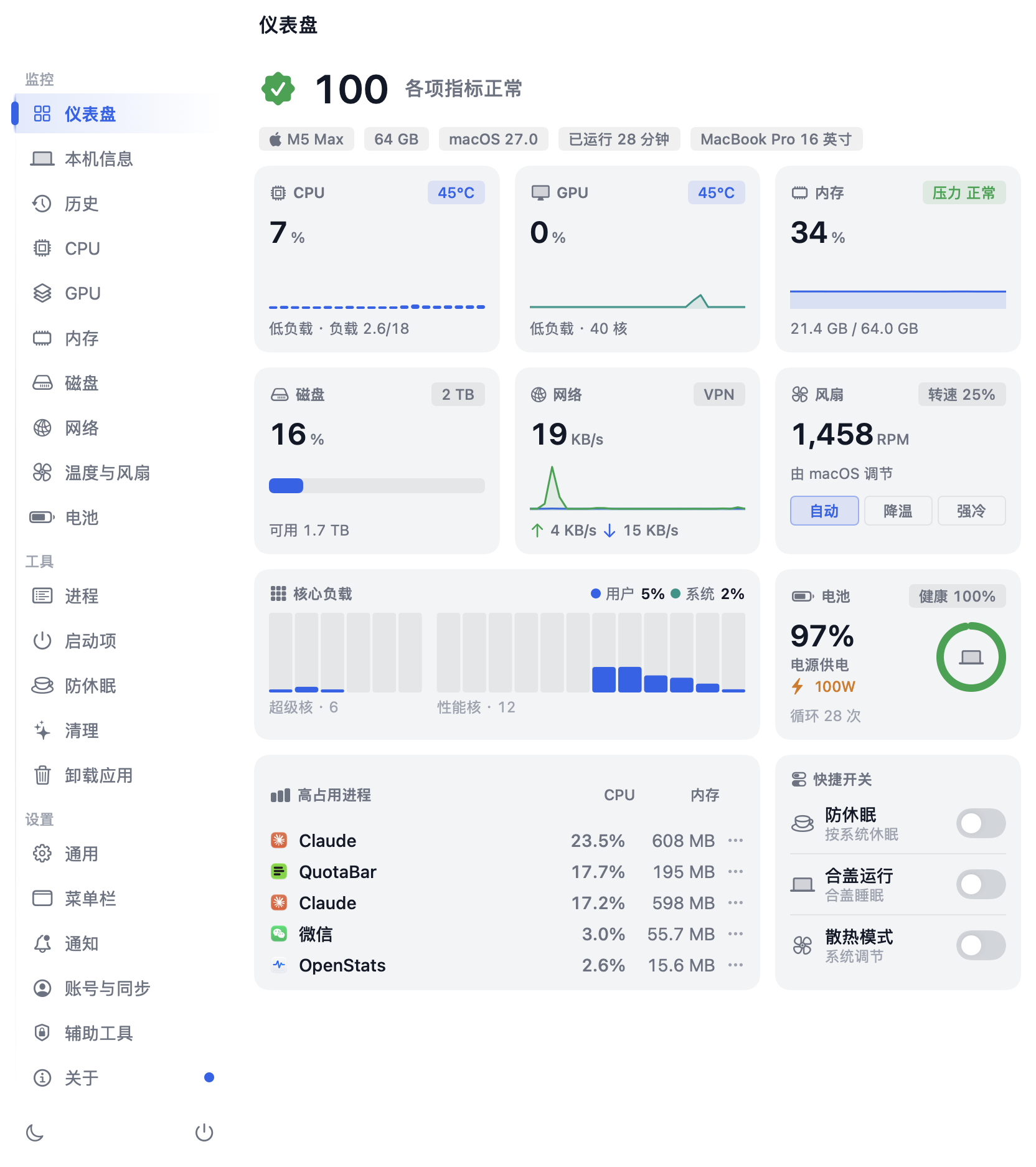
# OpenStats
**Your Mac at a glance — CPU, GPU, memory, network and temperatures in the menu bar, with fan control, keep-awake, one-click cleanup, an app uninstaller and an IP cleanliness check.**
[](https://getopenstats.com/#download)
[](https://github.com/gentpan/OpenStats/stargazers)
[](https://github.com/gentpan/OpenStats/commits/main)
[](https://github.com/gentpan/OpenStats/graphs/commit-activity)
[](https://github.com/gentpan/OpenStats/actions/workflows/ci.yml)
[](https://getopenstats.com/#download)
[](LICENSE)
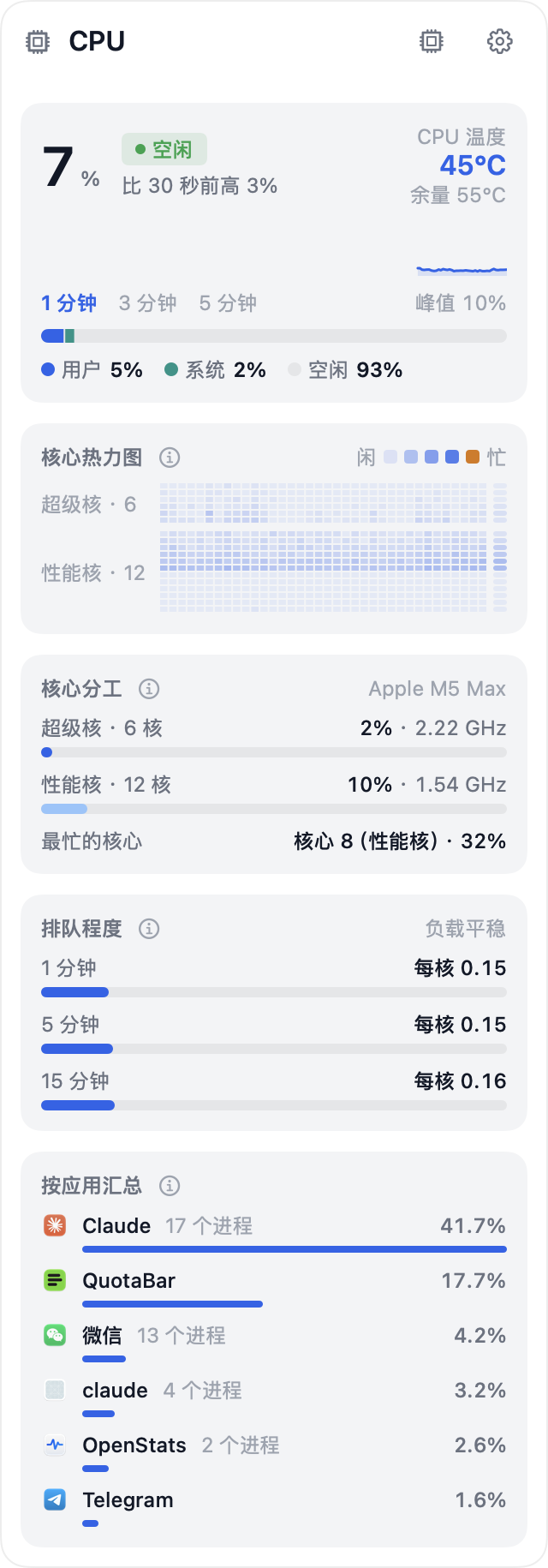
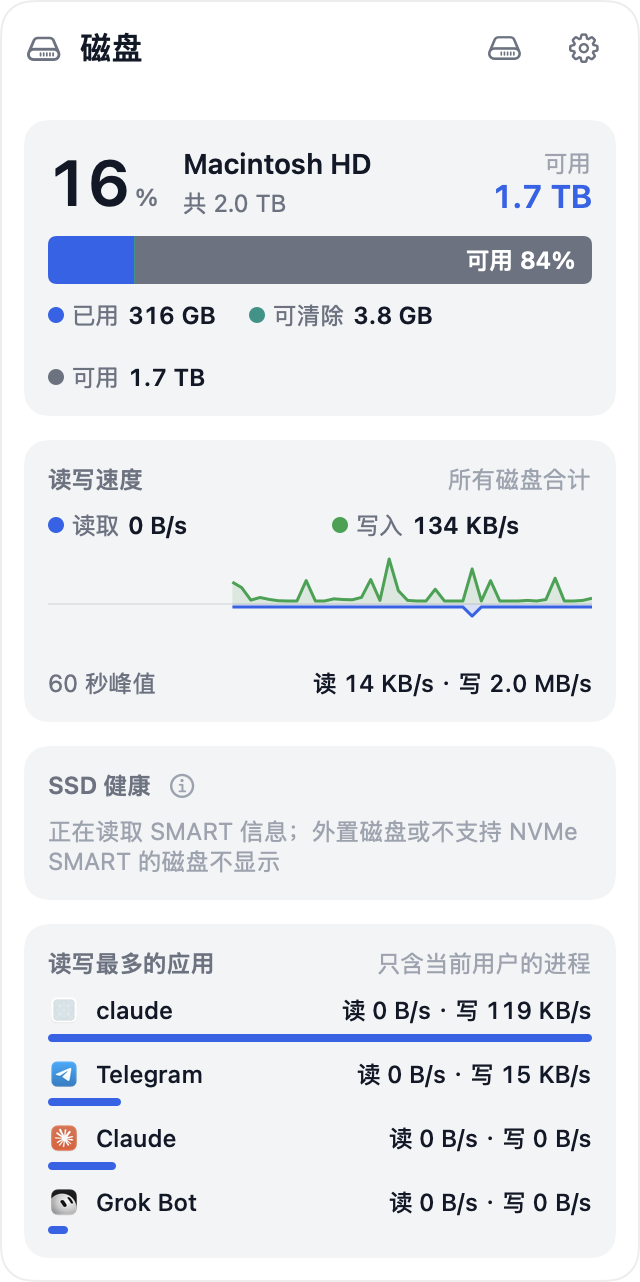
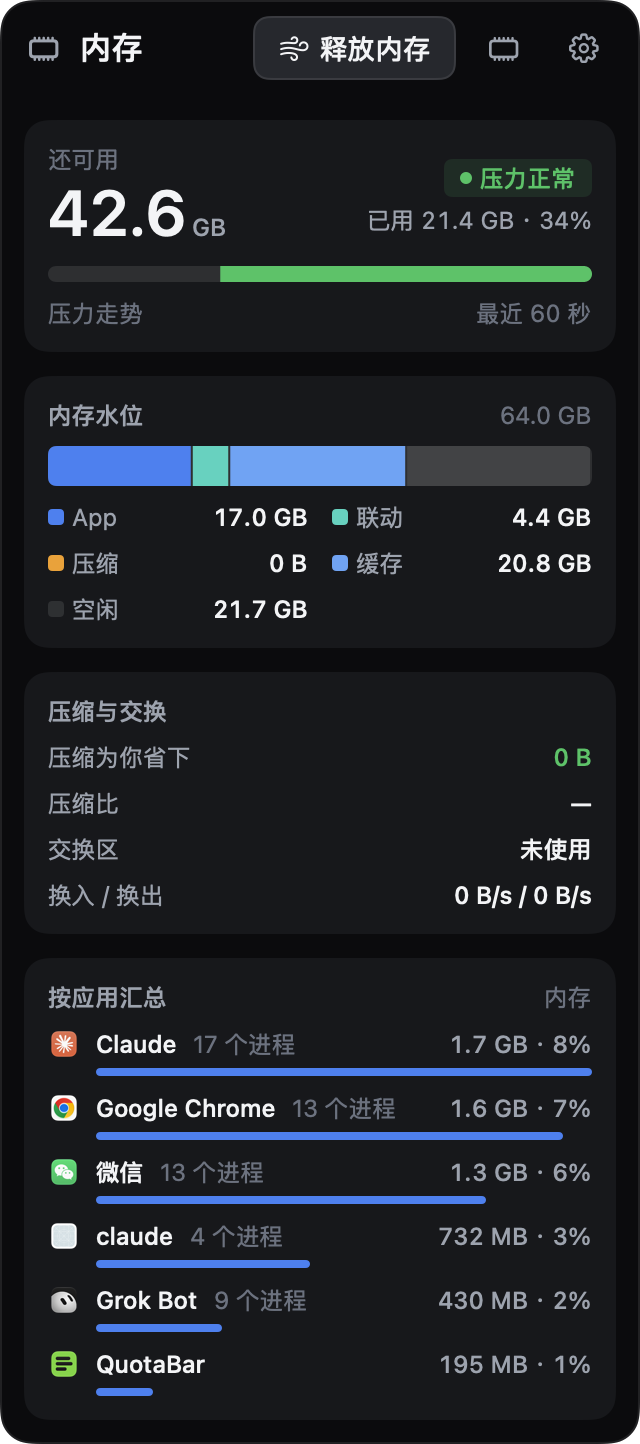
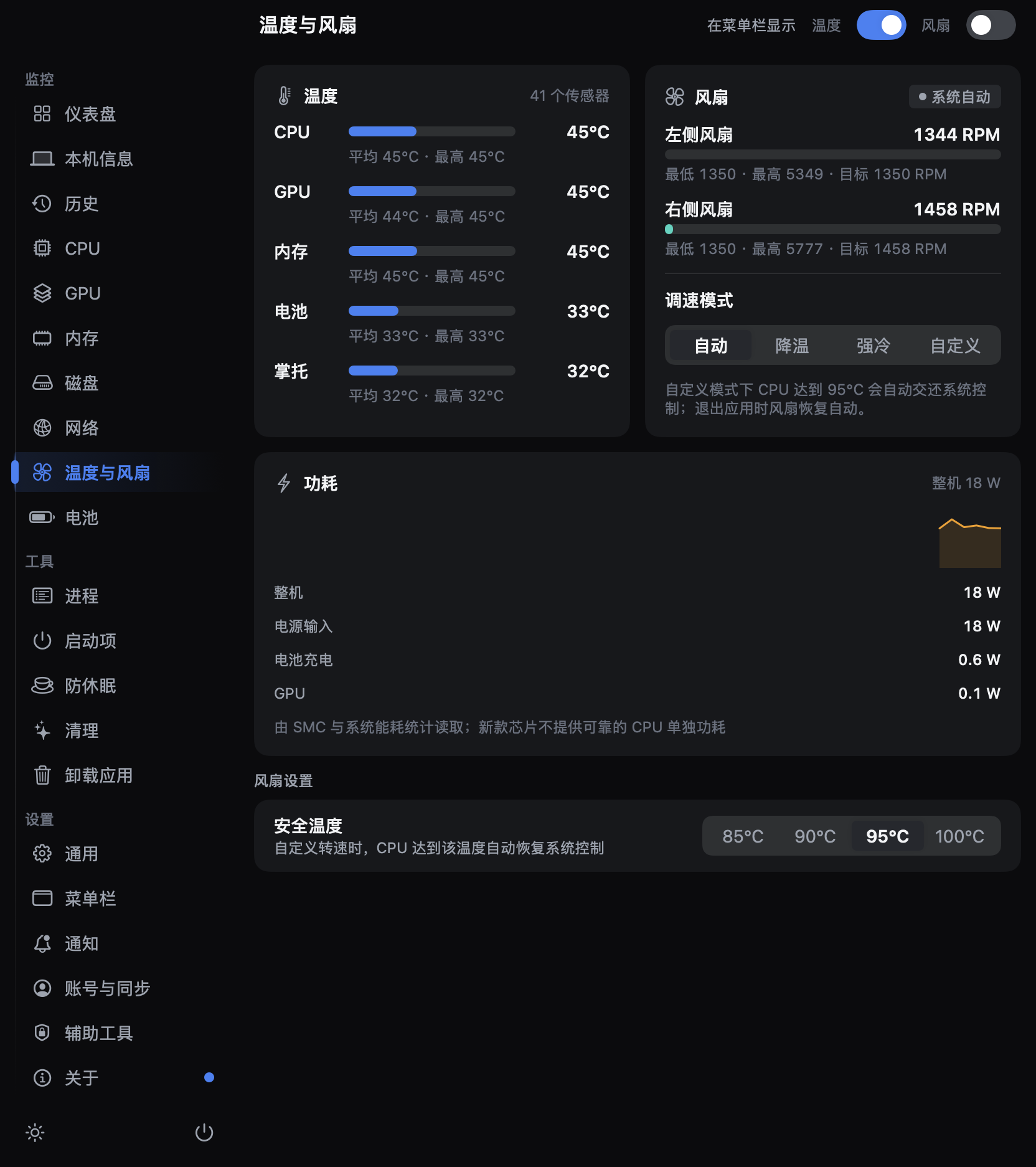
OpenStats is a macOS menu-bar app that shows what your Mac is doing right now — per-core
CPU load, GPU, memory pressure, network speed, disk, battery, temperatures and fans — and
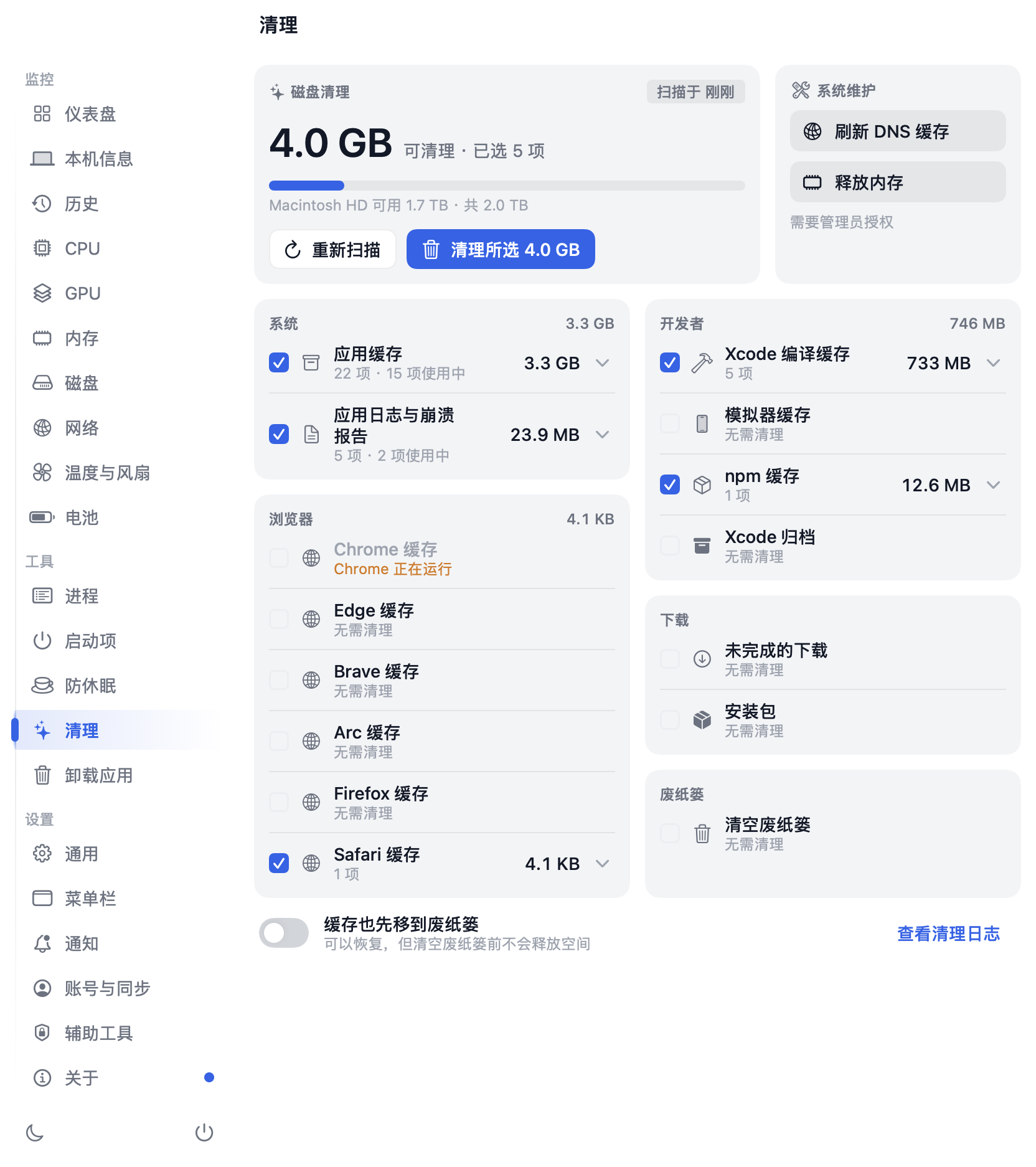
lets you act on it: spin the fans up, keep the Mac awake with the lid closed, clear caches, fully
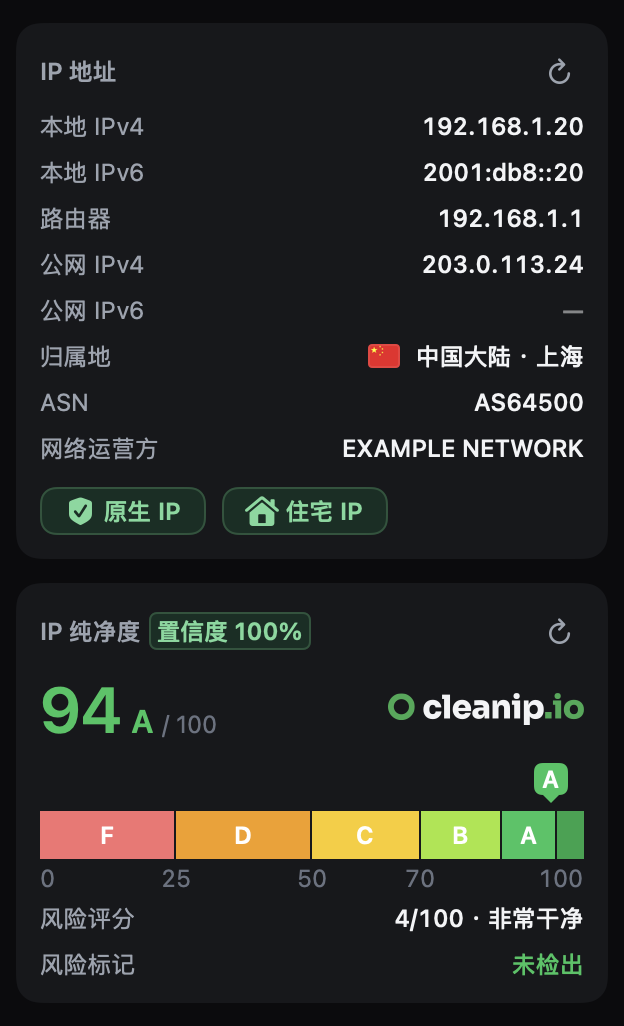
uninstall apps and disable startup items. Network details also check how clean your public IP is —
whether it is flagged as a VPN, proxy, data center or for abuse.
Everything is read on your own Mac, and there is no telemetry. An account is optional: sign in with GitHub, Google or Apple to sync your preferences to other Macs; the cloud keeps only your email, name and the settings document. Beyond that, the only network traffic comes from features you can turn off: a public-IP and cleanliness lookup when you open network details, a ping probe to a target you choose, and a daily check for a new version.
[Download](https://getopenstats.com/#download) ·
[Website](https://getopenstats.com) ·
[Changelog](CHANGELOG.md) ·
[Architecture](ARCHITECTURE.md)
**English** · [简体中文](README.zh-CN.md)
---
## Install
Download OpenStats 0.6.2 from the website (signed with a Developer ID certificate and notarized by Apple) —
pick the build for your Mac's chip:
| Chip | Download |
|---|---|
| Apple silicon (M1, M2, M3, M4, M5) | [OpenStats-0.6.2-AppleSilicon.dmg](https://getopenstats.com/download/OpenStats-0.6.2-AppleSilicon.dmg) |
| Intel | [OpenStats-0.6.2-Intel.dmg](https://getopenstats.com/download/OpenStats-0.6.2-Intel.dmg) |
Not sure? Apple menu › About This Mac says "Chip Apple M…" on Apple silicon and "Processor Intel…" on Intel.
Homebrew picks the right build for you. Recent Homebrew refuses to load casks from an untrusted third-party
tap, so trust it once first:
```bash
brew tap gentpan/tap
brew trust gentpan/tap
brew install --cask openstats
```
Requires macOS 14 (Sonoma) or later. Developed and tested mainly on Apple silicon; on Intel Macs, Apple
Intelligence process explanations are unavailable, CPU cores are not split into performance and efficiency
groups, and some power and frequency readings may be missing. The interface is in English and Simplified Chinese, following the
system language by default; switch it in Settings → General → Language.
## Recent updates
Latest release **0.6.2** (2026-09-21) · **1** changes in development · [full changelog](CHANGELOG.md) (kept in Chinese)