# XStats
**System status and everyday tools, right in your Mac menu bar.**
Check CPU, memory, network and temperature at a glance, then open the details for trends and app usage.
Enable AI Usage, calendar, fan control and cleanup tools when you need them.
[](https://github.com/ysicing/xstats/releases)
[](https://github.com/ysicing/xstats/actions/workflows/ci.yml)
[](https://github.com/ysicing/xstats/releases)
[](LICENSE)
[Download the latest release](https://github.com/ysicing/xstats/releases) · [Screenshots](#screenshots) · [Features](#features) · [Install](#install) · [Changelog](CHANGELOG.md)
[简体中文](README.md) · **English** · [日本語](README.ja.md) · [한국어](README.ko.md)

## Screenshots
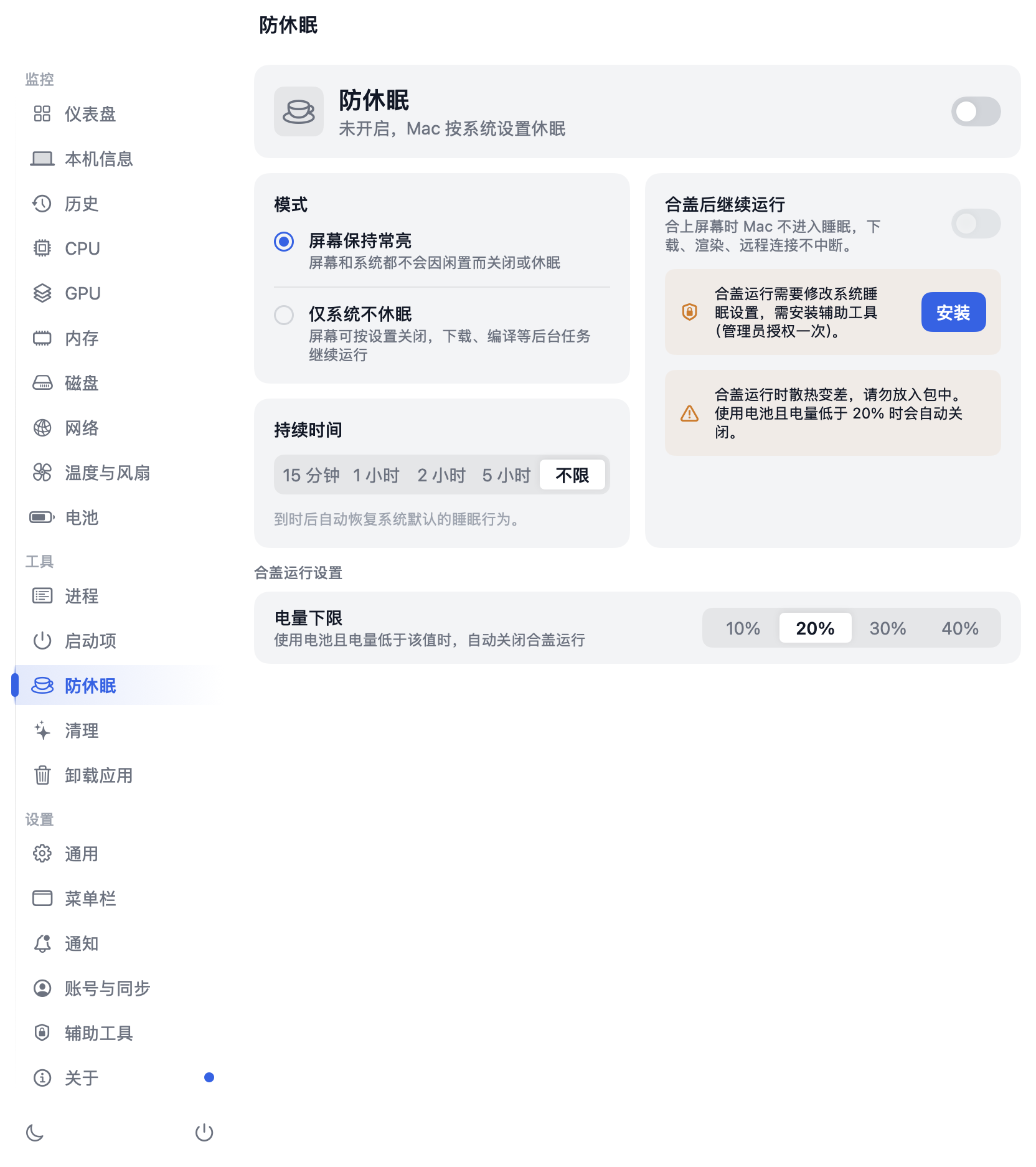
The main window brings system readings together, with light and dark appearances to match your preference.