Evan Hu
05036a763d
The product README was under windows/ after the move, but it was never a component readme: it is the download page, the feature guide and the contribution guide for the whole product, so it goes back to the root and windows/ gets a real component readme.

AGENTS.md at the root now carries the repository map, the component boundaries that used to be cross-repository rules, and the release process, since the scripts that process drives live at the root. The component files keep what is genuinely theirs and say which paths they are relative to. References that named sibling repositories now name sibling directories, and the lock documentation records that Server, the pages, the GUI framework and the installer are no longer inputs to pin.
3.3 KiB
Metasequoia IME Server(水杉输入法 Server 端)
This is the server end of MSIME-Windows.
How to build
Prerequisites
- Visual Studio 2026
- CMake
- vcpkg
- Python3.10+
- Boost
Make sure vcpkg and Boost are installed by Scoop.
Build steps(For Dev)
First, build IME dictonary and prepare assets,
cd $env:LOCALAPPDATA
mkdir metasequoiaime
cd metasequoiaime
git clone --recursive https://github.com/metasequoiaime/MSIME-Dict.git MetasequoiaImeDict
cd .\MetasequoiaImeDict\makecikudb\xnheulpb\makedb\separated_jp_version
python .\create_db_and_table.py
python .\insert_data.py
python .\create_index_for_db.py
Copy-Item -Path .\out\msime.db -Destination $env:LOCALAPPDATA\metasequoiaime
Then, clone the product repository and build the server,
git clone --recursive https://github.com/metasequoiaime/MSIME-Windows.git
Prepare environment,
cd MSIME-Windows/server
python .\scripts\prepare_env.py
Copy-Item -Path .\assets\tables\* -Destination $env:LOCALAPPDATA\metasequoiaime
New-Item -ItemType SymbolicLink -Path "$env:LOCALAPPDATA\metasequoiaime\config.toml" -Target ".\assets\config\config.toml"
e.g.
cd MetasequoiaImeServer
python .\scripts\prepare_env.py
Copy-Item -Path .\assets\tables\* -Destination $env:LOCALAPPDATA\metasequoiaime
New-Item -ItemType SymbolicLink -Path "C:\Users\sonnycalcr\AppData\Local\metasequoiaime\config.toml" -Target "C:\Users\sonnycalcr\EDisk\CppCodes\IMECodes\MetasequoiaImeServer\assets\config\config.toml"
Then, build and run,
.\scripts\lcompile.ps1
.\scripts\lrun.ps1
If you want to build and run in one step, run the following command,
.\scripts\llaunch.ps1
Watchdog
MetasequoiaImeWatchdog.exe is built next to the server. Starting the server directly also starts the watchdog,
which monitors the server from the same directory and restarts it after an unexpected exit. Repeated early crashes use
an exponential restart delay (up to 30 seconds) to avoid a restart storm.
The developer terminate shortcut stops both processes. The restart shortcut asks the watchdog to start a fresh server after the current process exits.
English prefix candidates
Place english.db next to msime.db in %LOCALAPPDATA%\metasequoiaime. Set
general.cn_en_mixed_input = true in config.toml to enable asynchronous English prefix candidates for Quanpin and
Shuangpin.
Developer Shortcuts
The server process includes a few built-in global shortcuts that are useful during development:
Ctrl + Shift + Alt + T- terminate
MetasequoiaImeServerimmediately
- terminate
Ctrl + Shift + Alt + R- restart
MetasequoiaImeServer
- restart
Ctrl + Shift + Alt + C- clear IME engine cache
Ctrl + Shift + Alt + 1toCtrl + Shift + Alt + 8- delete candidate
1to8from the current candidate window - this only works while the candidate window is visible
- delete candidate
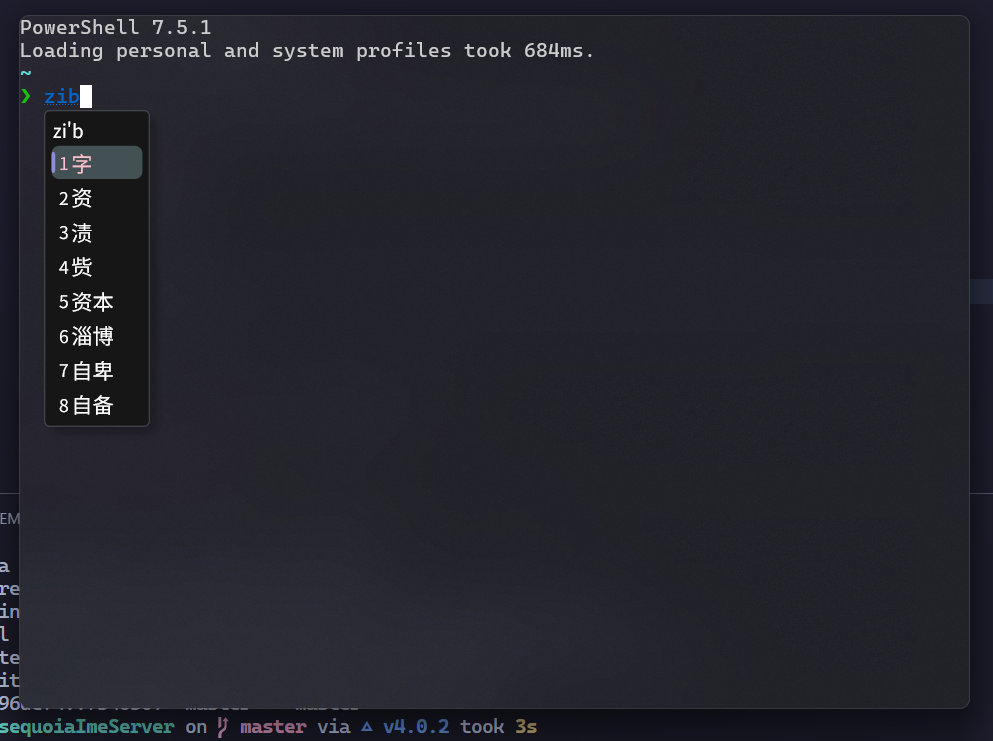
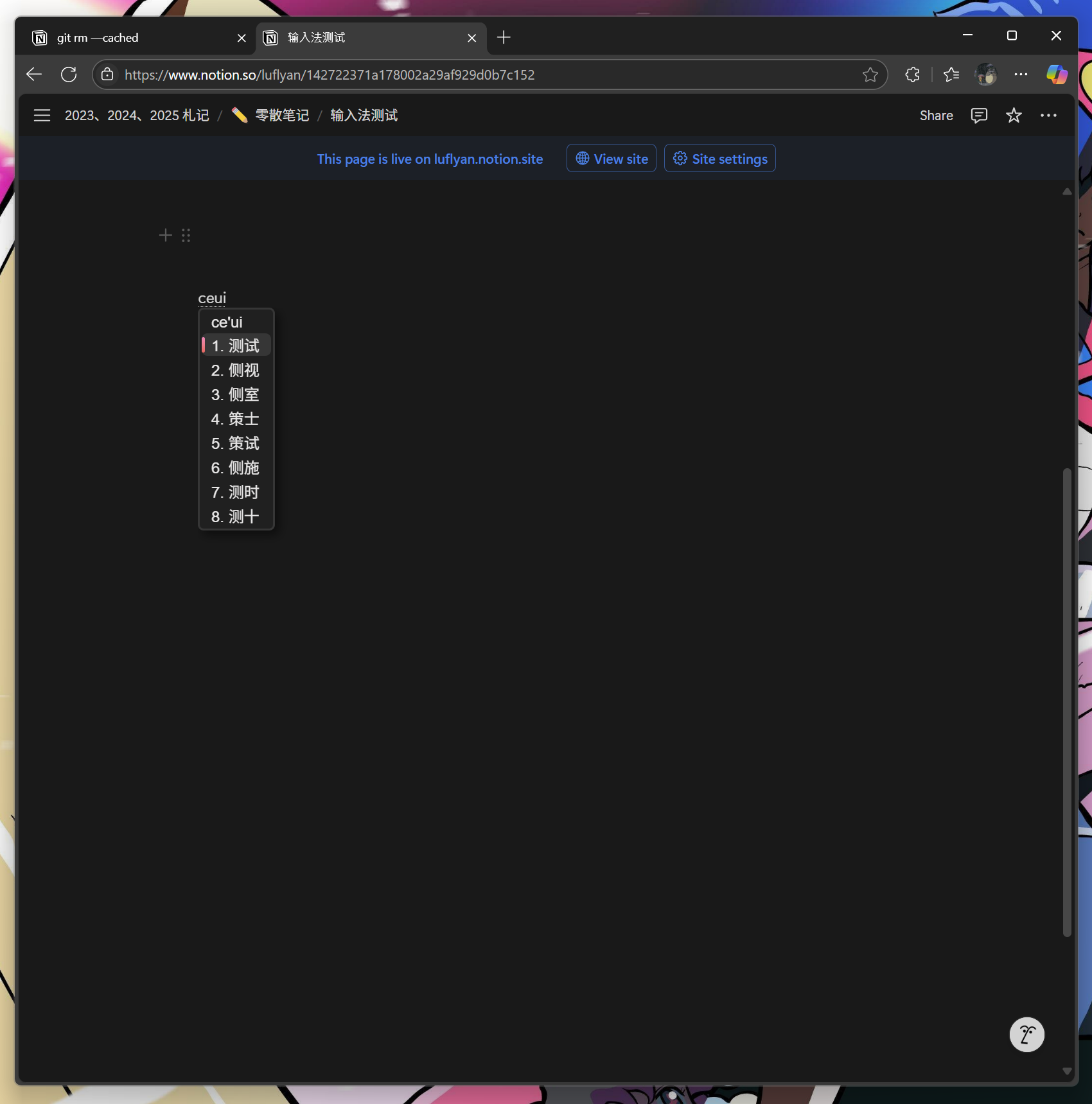
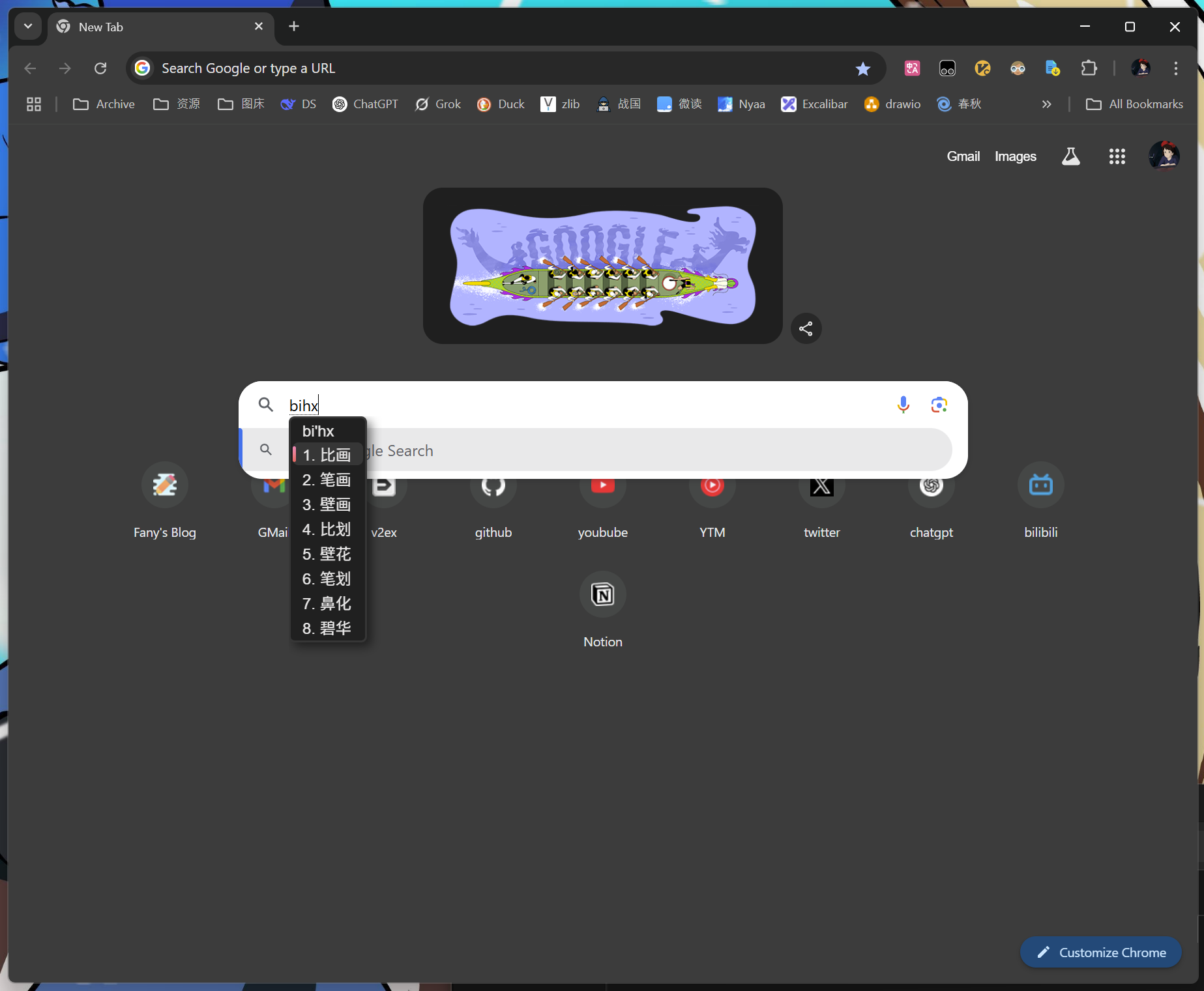
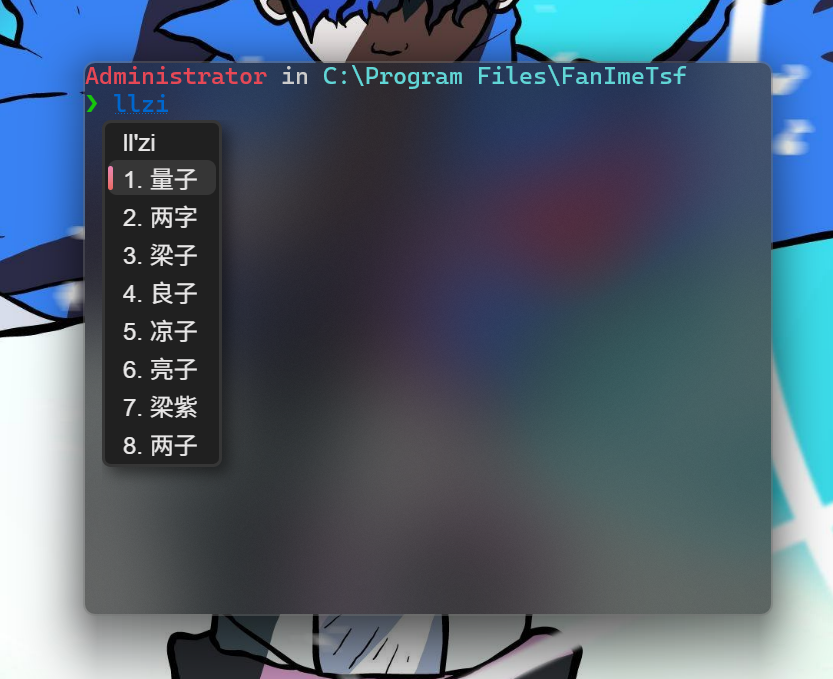
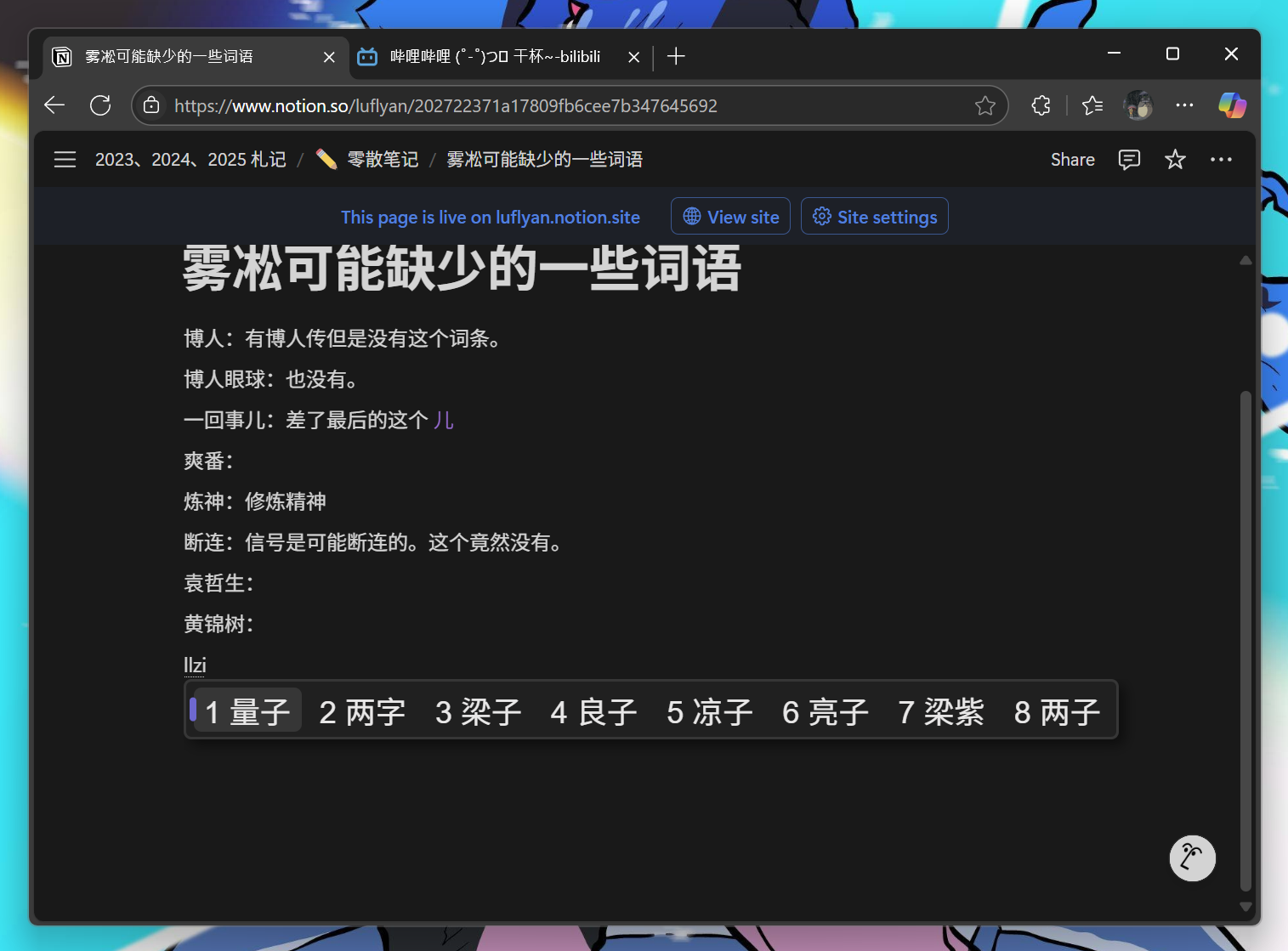
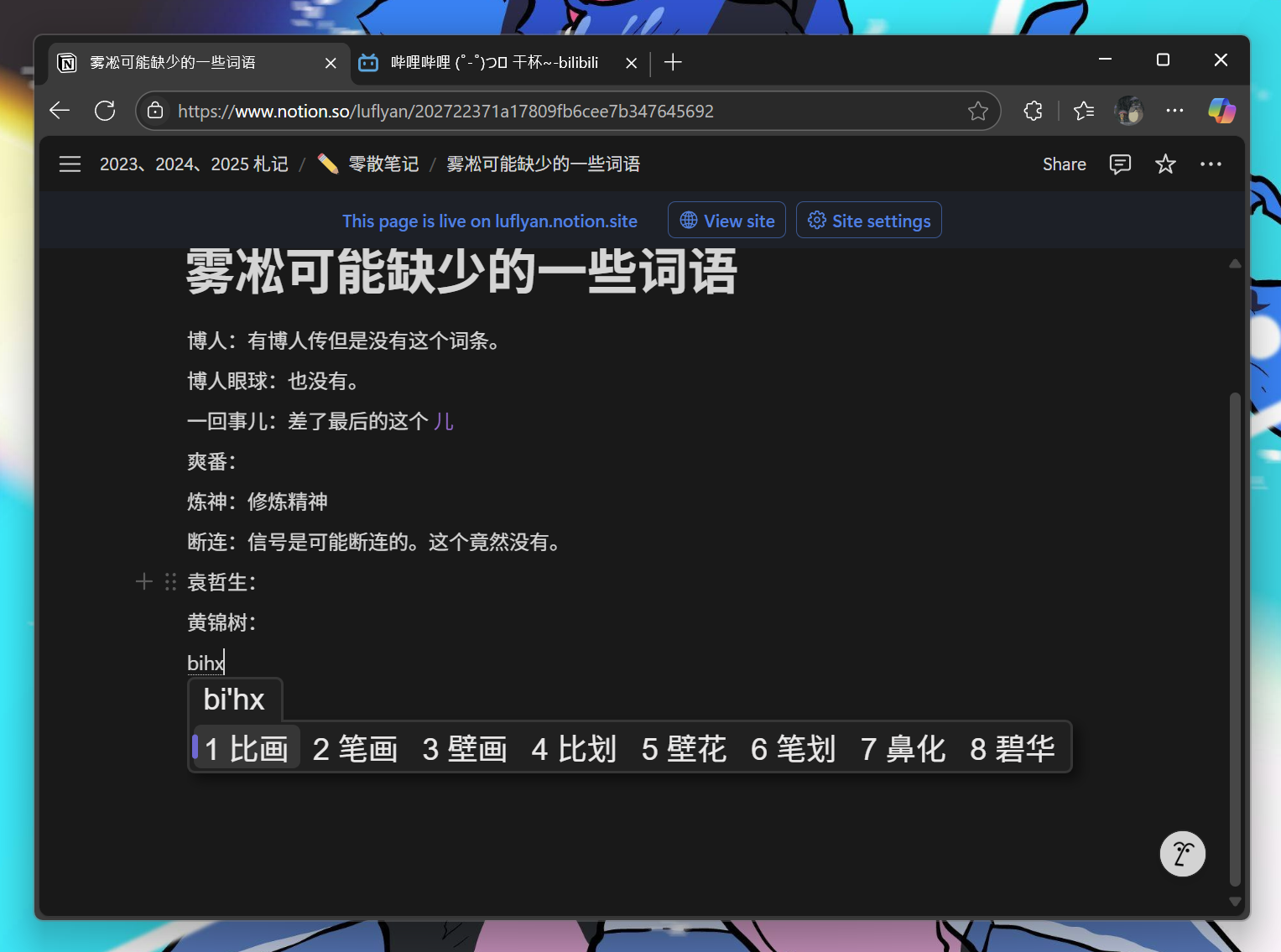
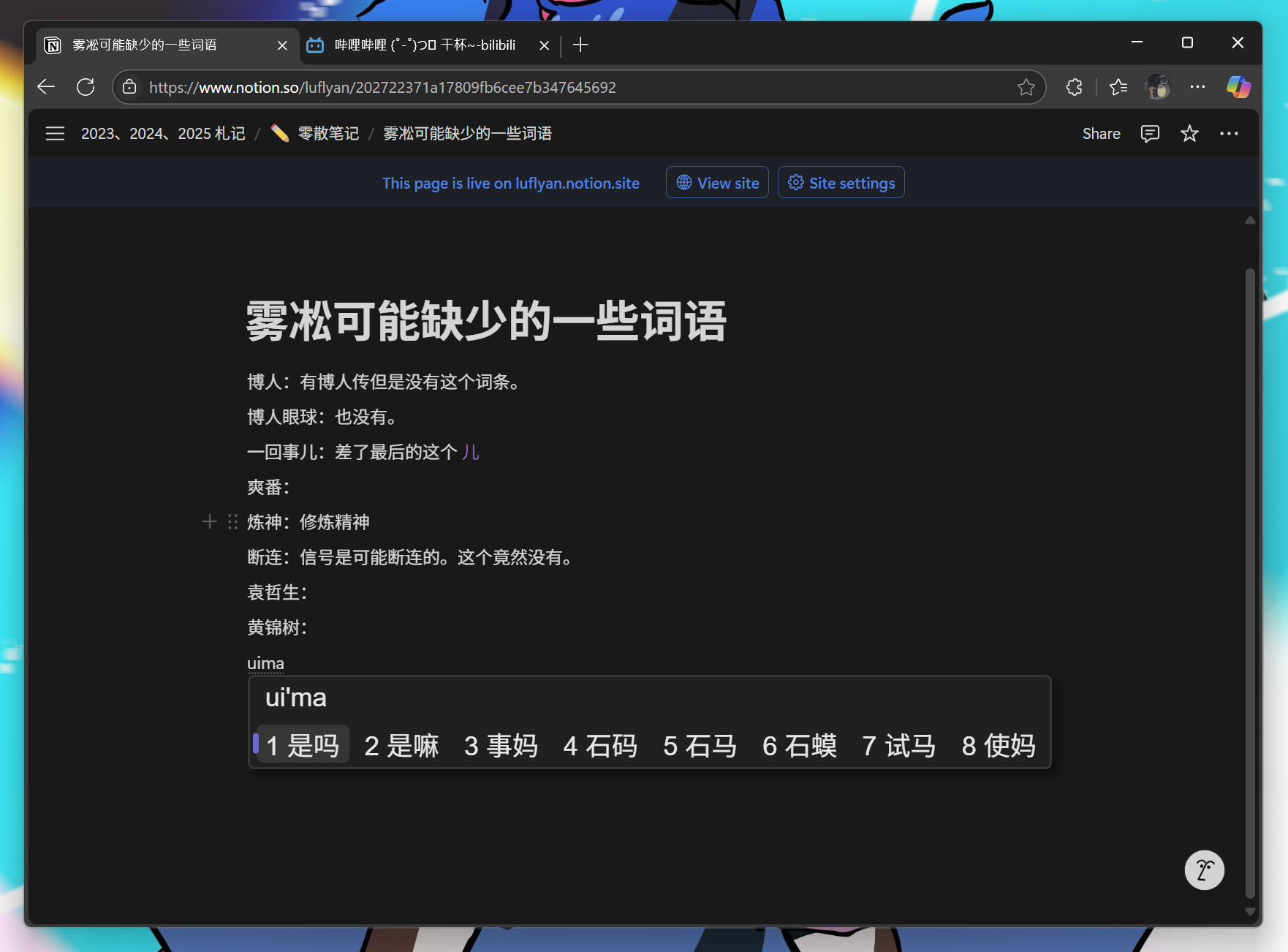
Screenshots