 fanlusky
88a086a75b
本地打包每次都要等很久,其中编译这一段有两处纯粹的重复劳动。

Visual Studio 生成器把 ZERO_CHECK 接进了每个目标,CMakeLists.txt 变化时
构建会自己重新生成,所以已有 CMake 缓存时前置的 cmake --preset 不改变任何
结果,只是每个构建目录白等约 10 秒,三个目录就是 30 秒。改成缓存存在就跳过,
需要强制重跑(改了 preset、换了工具链)时传 -Reconfigure。

构建目标也从 ALL_BUILD 收窄到 MetasequoiaImeServer / MetasequoiaImeTsf。
原先会一并构建 MetasequoiaImeServerTests、test_webview_contract、
test_windows_ipc_contract,而 Prepare-PackageFiles.ps1 随后又把它们从包里
删掉。server 目标的依赖闭包已经覆盖 Watchdog、三个面板、Settings、
DictionaryReplay 和 OpenCC 词典,产物一个不少。要连测试一起构建(比如为了
跑 ctest)传 -Target ALL_BUILD,server/AGENTS.md 里的 ctest 段落已注明。

顺带给 cmake --build 加上 --parallel,真正有代码改动时也能并行。

无改动时的增量编译:TSF 18.0s -> 3.7s,Server 21.9s -> 10.9s。
CI 不受影响,它直接调 cmake,不经过这些脚本。
Metasequoia IME Server(水杉输入法 Server 端)
This is the server end of MSIME-Windows.
How to build
Prerequisites
- Visual Studio 2026
- CMake
- vcpkg
- Python3.10+
- Boost
- Node.js and pnpm 10 (settings page build)
Make sure vcpkg and Boost are installed by Scoop.
Build steps(For Dev)
Clone the product and provision the reviewed dictionary release from its root:
git clone --recursive https://github.com/metasequoiaime/MSIME-Windows.git
cd MSIME-Windows
python scripts/product_lock.py fetch-dictionaries --staging-root .
if ($LASTEXITCODE -ne 0) { throw 'Dictionary verification failed' }
$devLocalData = Join-Path $PWD 'build/dev-local'
$devData = Join-Path $devLocalData 'metasequoiaime'
New-Item -ItemType Directory -Force $devData | Out-Null
Copy-Item MetasequoiaImeDict/out/* $devData -Force
Copy-Item engine/helpcode/helpcodes $devData -Recurse -Force
Copy-Item server/assets/tables/* $devData -Force
Copy-Item server/assets/config/config.toml $devData -Force
Push-Location ui-html/webview2/settings/ime-settings
try {
    pnpm install --frozen-lockfile
    if ($LASTEXITCODE -ne 0) { throw 'Settings dependencies failed' }
    pnpm build
    if ($LASTEXITCODE -ne 0) { throw 'Settings page build failed' }
} finally { Pop-Location }
$devWebview = Join-Path $devData 'html/webview2'
New-Item -ItemType Directory -Force $devWebview | Out-Null
foreach ($part in @('shared', 'candwnd', 'ftb', 'menu')) {
    Copy-Item "ui-html/webview2/$part" $devWebview -Recurse -Force
}
$devSettings = Join-Path $devWebview 'settings/ime-settings'
New-Item -ItemType Directory -Force $devSettings | Out-Null
Copy-Item ui-html/webview2/settings/ime-settings/dist $devSettings -Recurse -Force
python server/scripts/prepare_env.py
if ($LASTEXITCODE -ne 0) { throw 'Server environment setup failed' }
$env:LOCALAPPDATA = $devLocalData
$env:METASEQUOIA_IME_DATA_DIR = $devData
cd server
Use a dedicated PowerShell terminal. These steps stage the same locked data as CI
and the current product pages in a separate development directory. Both
LOCALAPPDATA (Windows config/pages) and METASEQUOIA_IME_DATA_DIR (Engine data)
are set for that terminal; setting only the latter would still use installed
Windows configuration and pages. Close the terminal after development.
Dictionary source changes belong in Engine's dictionary/; use its root build_profile.py
to build data instead of calling internal stages in the archived Dict repository.
Then, build and run,
.\scripts\lcompile.ps1
.\scripts\lrun.ps1
If you want to build and run in one step, run the following command,
.\scripts\llaunch.ps1
Watchdog
MetasequoiaImeWatchdog.exe is built next to the server. Starting the server directly also starts the watchdog,
which monitors the server from the same directory and restarts it after an unexpected exit. Repeated early crashes use
an exponential restart delay (up to 30 seconds) to avoid a restart storm.
The developer terminate shortcut stops both processes. The restart shortcut asks the watchdog to start a fresh server after the current process exits.
English prefix candidates
Place english.db next to msime.db in %LOCALAPPDATA%\metasequoiaime. Set
general.cn_en_mixed_input = true in config.toml to enable asynchronous English prefix candidates for Quanpin and
Shuangpin.
Developer Shortcuts
The server process includes a few built-in global shortcuts that are useful during development:
Ctrl + Shift + Alt + T- terminate
MetasequoiaImeServerimmediately
- terminate
Ctrl + Shift + Alt + R- restart
MetasequoiaImeServer - Settings exposes the same restart under 外观 → 重启输入法进程; it reaches the server over the Aux pipe because Settings runs in its own process
- restart
Ctrl + Shift + Alt + C- clear IME engine cache
Ctrl + Shift + Alt + 1toCtrl + Shift + Alt + 8- delete candidate
1to8from the current candidate window - this only works while the candidate window is visible
- delete candidate
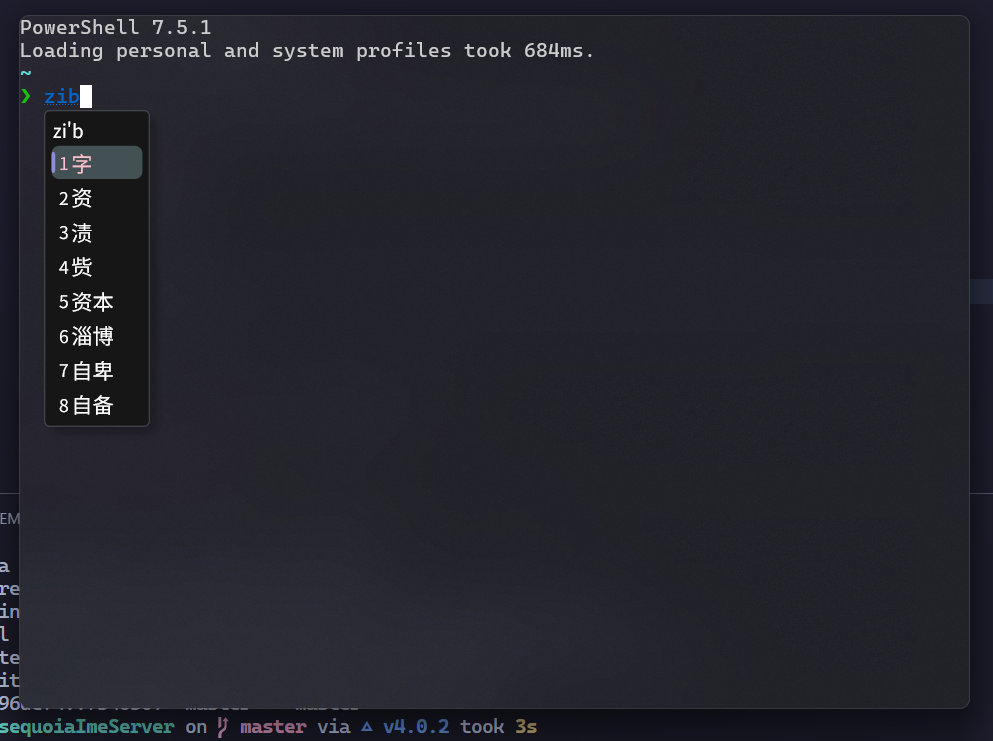
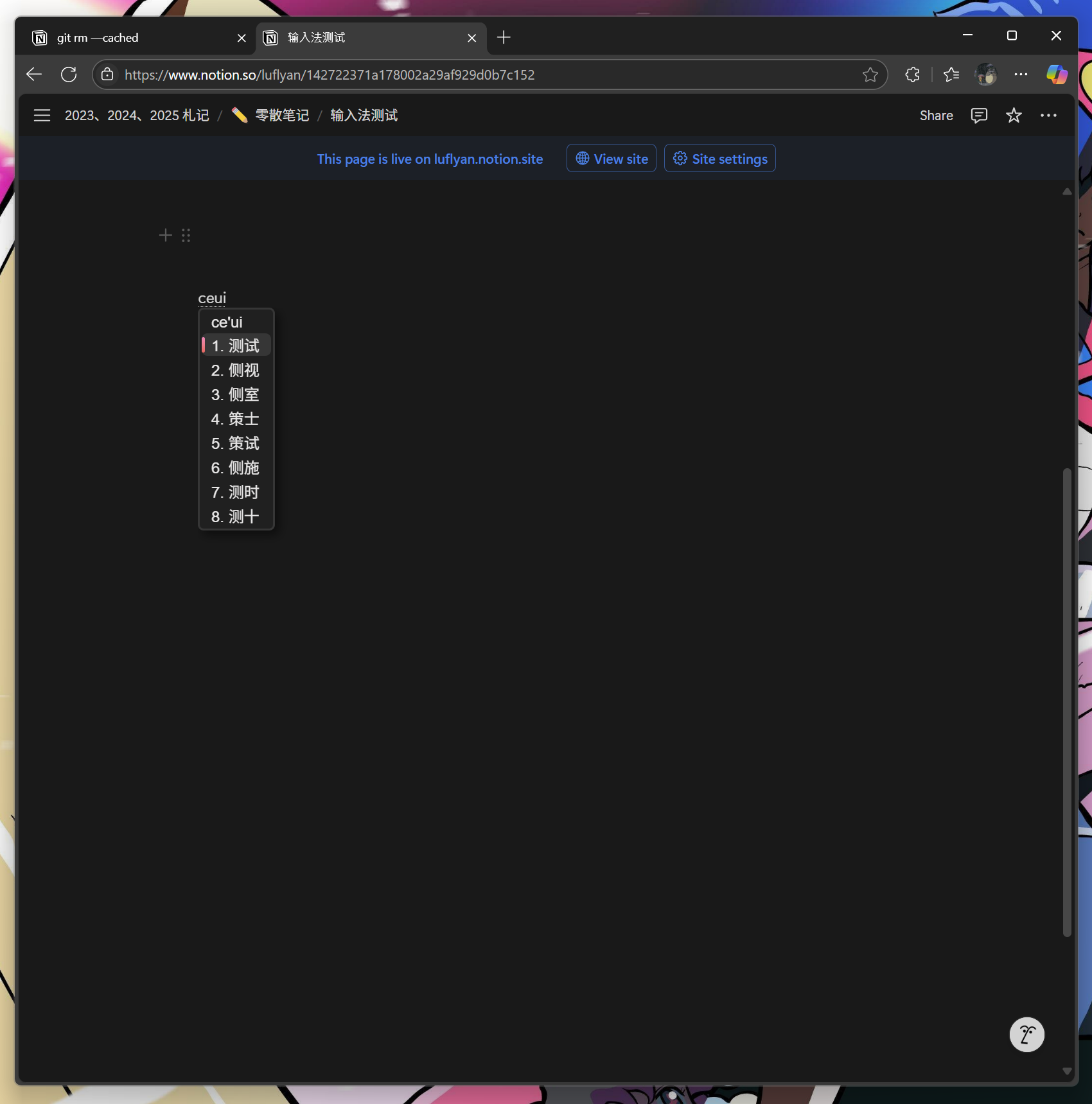
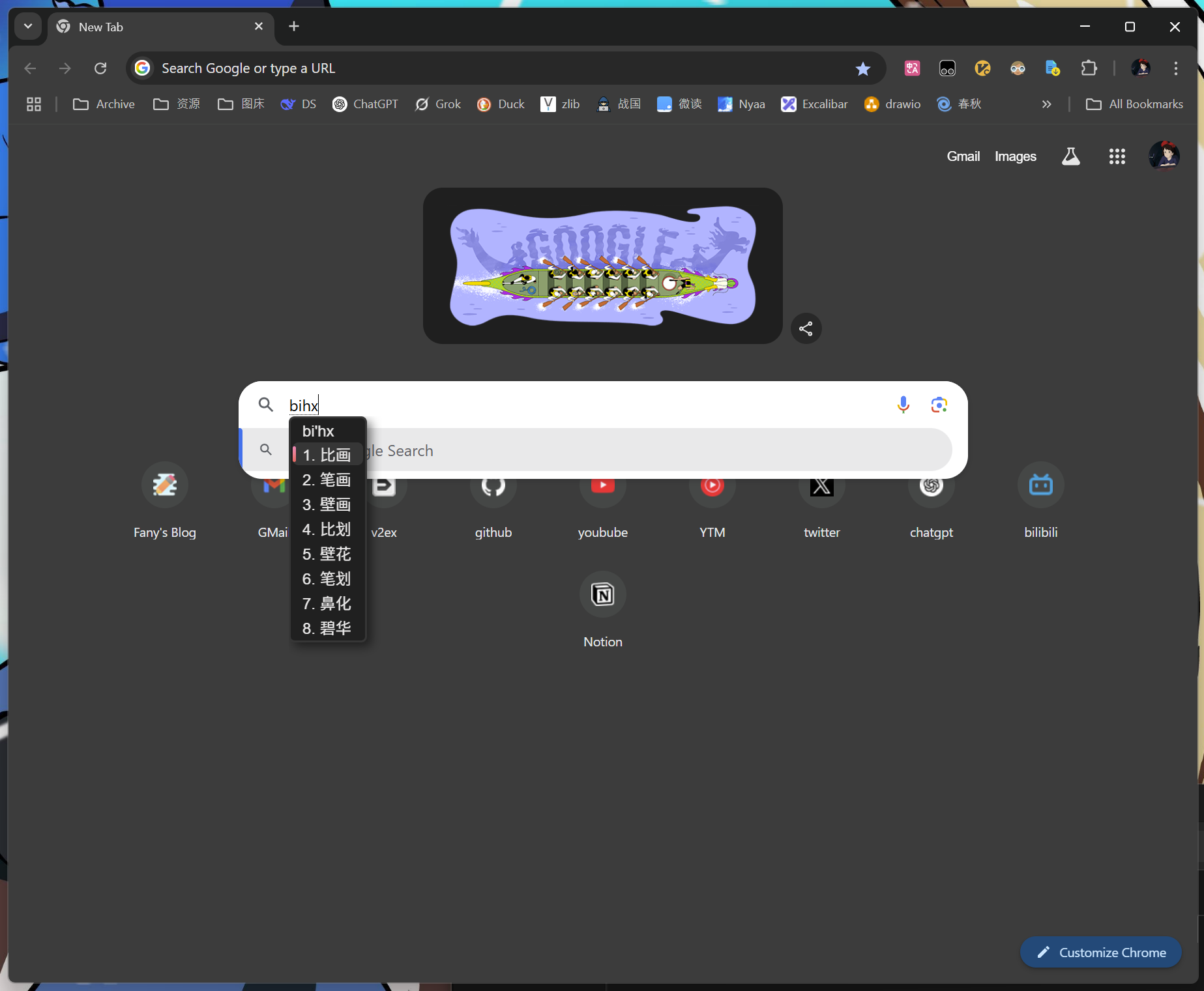
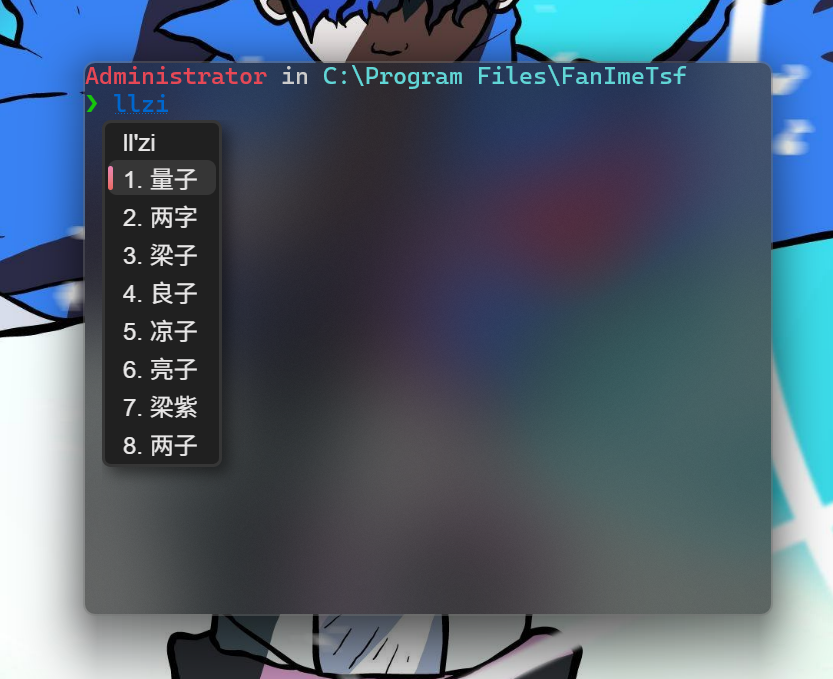
Screenshots
Shared voice providers
The server links Engine VoiceCapture and Voice. WAV encoding and batch transcription/polish codecs come from the public library; Windows keeps provider configuration, SiliconFlow padding/retry behavior and Doubao streaming. Batch uploads are bounded to 20 MiB and responses to 1 MiB. Failed or empty polish responses retain the original transcript.
本地 Release 构建脚本可通过 -ManifestTool <mt.exe 路径> 使用其他 Windows SDK;未指定时沿用现有 SDK 路径。配置、编译或 manifest 嵌入失败都会中止,避免安装器收集旧产物。