Evan Hu
c3fcc4a515
Ports metasequoiaime/MSIME-Windows#153 onto the consolidated repository. That pull request was written against the six-repository layout: it edited product-ci.yml, which no longer exists, and re-pinned Server, UiHtml and Installer, which are directories now.

Three of its pinned commits had not reached this repository at all. The consolidation took each source repository at its main, and Server, UiHtml and Installer each landed two more commits afterwards, so dropping the pins as merely obsolete would have silently dropped the work the pull request exists to consume. The two substantive ones are ported here: Server drops its vendored miniaudio.h and builds against the engine's MetasequoiaIme::VoiceCapture, and the installer collects helpcodes from the engine. UiHtml's was an engine gitlink bump, which one submodule resolves on its own.

The engine is pinned to d0dc0c2b rather than to the b7c799ef that pull request named. b7c799ef predates 403b4a4d, which is what this repository pins today and is the commit that added pagination to the settings dictionary contract, so taking the pull request's pin verbatim would have reverted a contract main already depends on and stripped offset, limit and hasMore back out of the generated web bindings. d0dc0c2b is the engine's main and is the same commit the dictionary release declares as its source, so the code and the data now name one commit.

The helpcodes moved into the engine, so MSIME-HelpCode stops being a product input: the gitlink that pins the contracts pins the tables too. product-lock.json is down to the engine and the dictionary release, and the dictionary itself now ships from MSIME-Engine. Its manifest states which commit built the data and whether that tree was clean, and the lock verifies both, so matching digests can no longer stand in for a source nobody can rebuild from. The retired MSIME-Dict repository stays valid for the one tag that shipped from it and nothing else.

The release job that packages now checks out submodules, because the helpcodes it collects live in one.
Metasequoia IME Server(水杉输入法 Server 端)
This is the server end of MSIME-Windows.
How to build
Prerequisites
- Visual Studio 2026
- CMake
- vcpkg
- Python3.10+
- Boost
Make sure vcpkg and Boost are installed by Scoop.
Build steps(For Dev)
First, build IME dictonary and prepare assets,
cd $env:LOCALAPPDATA
mkdir metasequoiaime
cd metasequoiaime
git clone --recursive https://github.com/metasequoiaime/MSIME-Dict.git MetasequoiaImeDict
cd .\MetasequoiaImeDict\makecikudb\xnheulpb\makedb\separated_jp_version
python .\create_db_and_table.py
python .\insert_data.py
python .\create_index_for_db.py
Copy-Item -Path .\out\msime.db -Destination $env:LOCALAPPDATA\metasequoiaime
Then, clone the product repository and build the server,
git clone --recursive https://github.com/metasequoiaime/MSIME-Windows.git
Prepare environment,
cd MSIME-Windows/server
python .\scripts\prepare_env.py
Copy-Item -Path .\assets\tables\* -Destination $env:LOCALAPPDATA\metasequoiaime
New-Item -ItemType SymbolicLink -Path "$env:LOCALAPPDATA\metasequoiaime\config.toml" -Target ".\assets\config\config.toml"
e.g.
cd MetasequoiaImeServer
python .\scripts\prepare_env.py
Copy-Item -Path .\assets\tables\* -Destination $env:LOCALAPPDATA\metasequoiaime
New-Item -ItemType SymbolicLink -Path "C:\Users\sonnycalcr\AppData\Local\metasequoiaime\config.toml" -Target "C:\Users\sonnycalcr\EDisk\CppCodes\IMECodes\MetasequoiaImeServer\assets\config\config.toml"
Then, build and run,
.\scripts\lcompile.ps1
.\scripts\lrun.ps1
If you want to build and run in one step, run the following command,
.\scripts\llaunch.ps1
Watchdog
MetasequoiaImeWatchdog.exe is built next to the server. Starting the server directly also starts the watchdog,
which monitors the server from the same directory and restarts it after an unexpected exit. Repeated early crashes use
an exponential restart delay (up to 30 seconds) to avoid a restart storm.
The developer terminate shortcut stops both processes. The restart shortcut asks the watchdog to start a fresh server after the current process exits.
English prefix candidates
Place english.db next to msime.db in %LOCALAPPDATA%\metasequoiaime. Set
general.cn_en_mixed_input = true in config.toml to enable asynchronous English prefix candidates for Quanpin and
Shuangpin.
Developer Shortcuts
The server process includes a few built-in global shortcuts that are useful during development:
Ctrl + Shift + Alt + T- terminate
MetasequoiaImeServerimmediately
- terminate
Ctrl + Shift + Alt + R- restart
MetasequoiaImeServer
- restart
Ctrl + Shift + Alt + C- clear IME engine cache
Ctrl + Shift + Alt + 1toCtrl + Shift + Alt + 8- delete candidate
1to8from the current candidate window - this only works while the candidate window is visible
- delete candidate
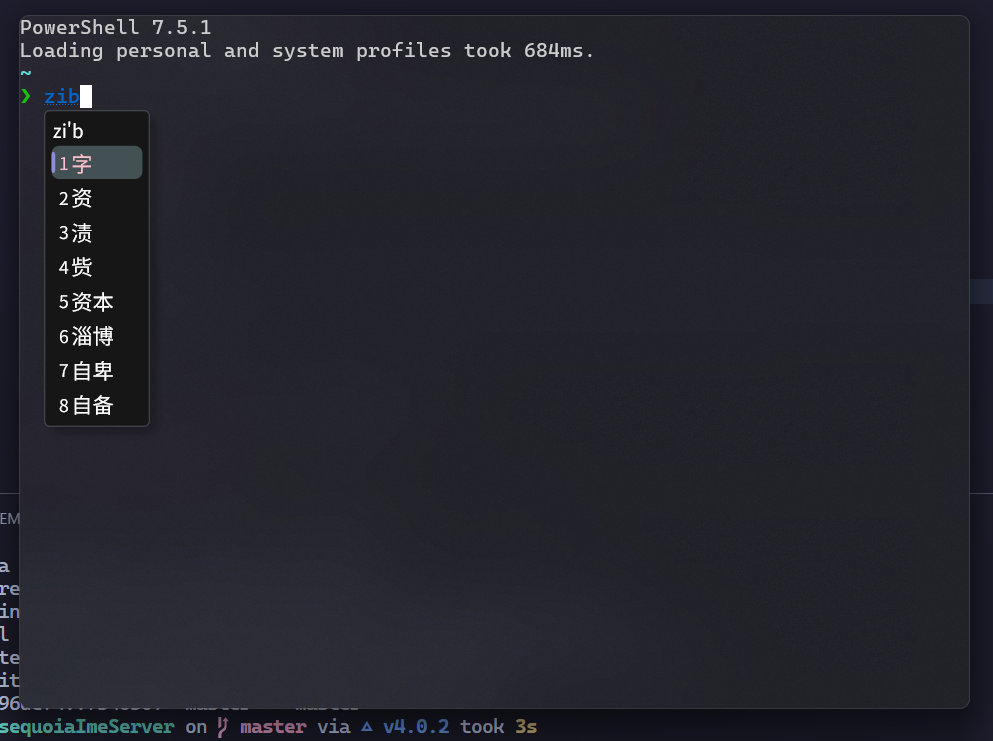
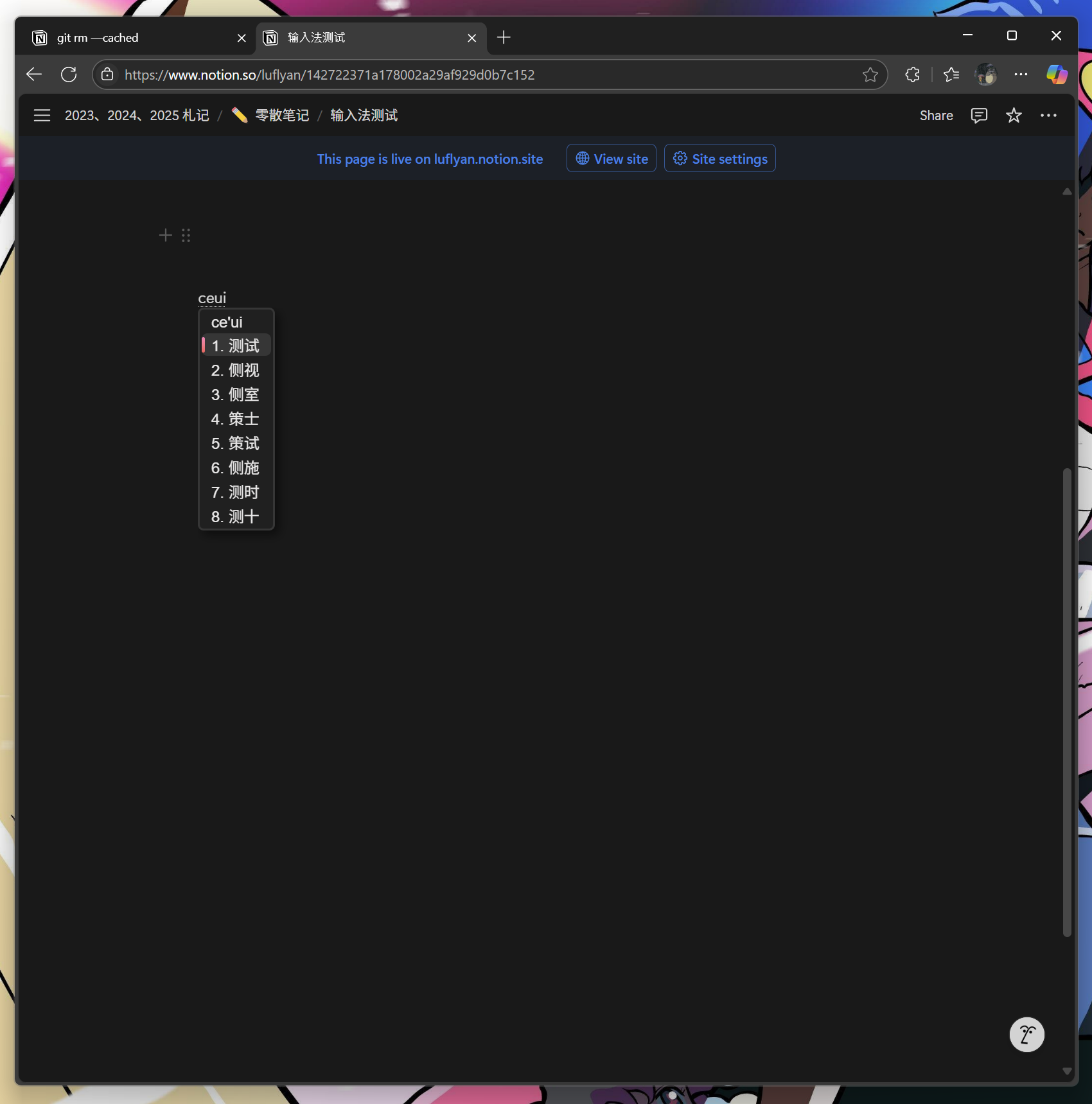
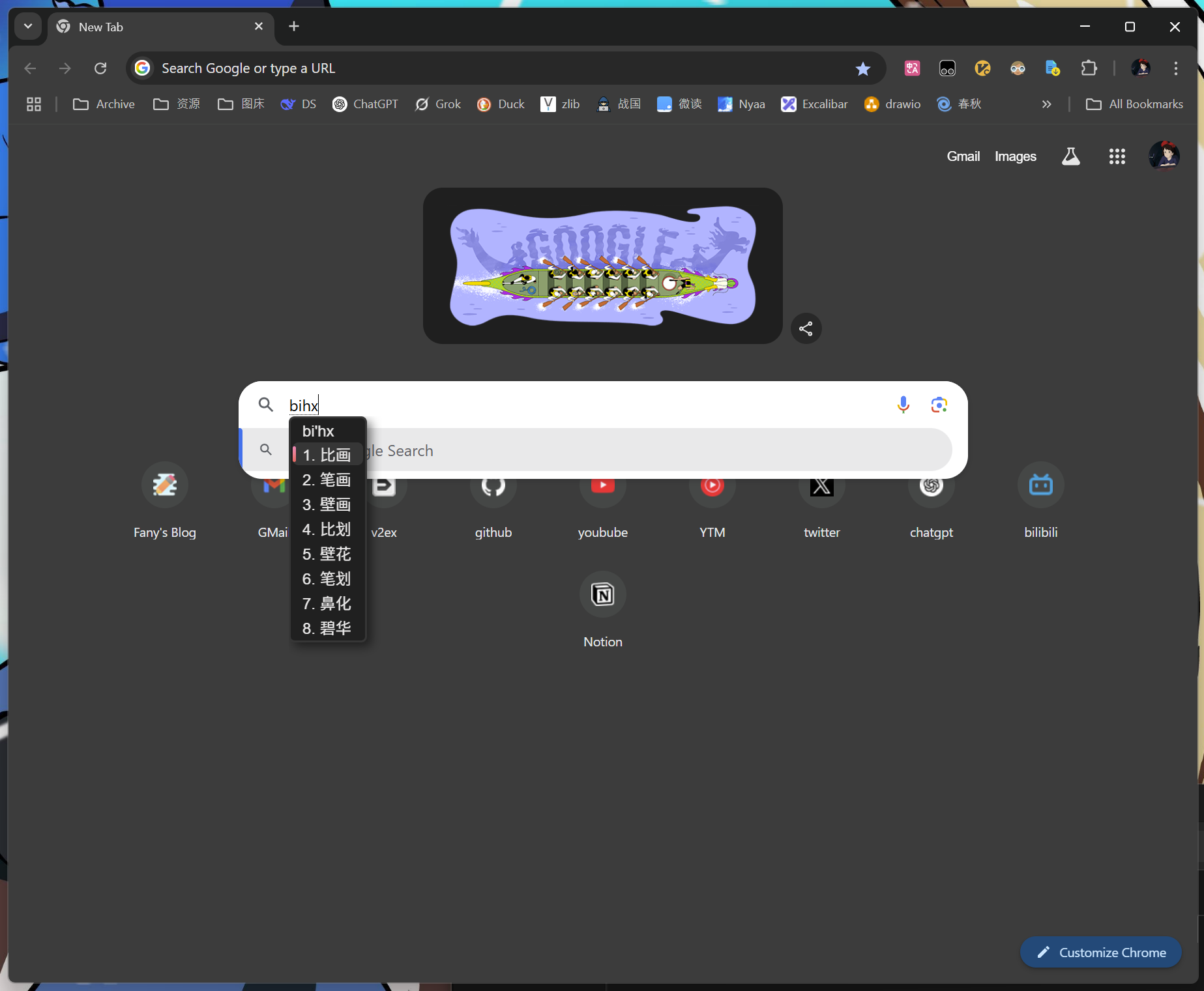
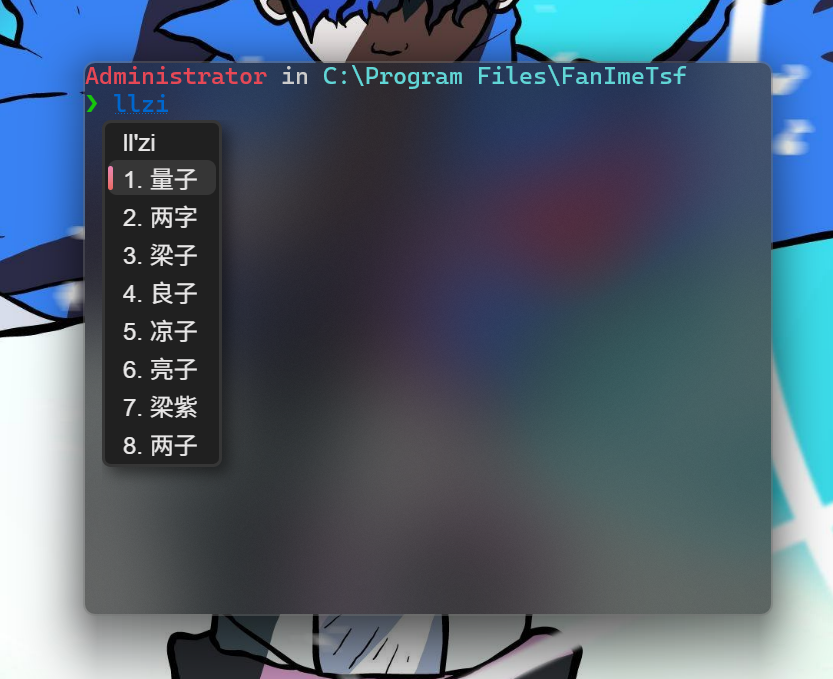
Screenshots