Evan Hu
e266b03c92
main is red. ctest reports eleven failures, all of the form:

    Unable to find executable: .../build/MetasequoiaImeEngine/Release/test_platform_api.exe

#14 began consuming the engine through add_subdirectory(... EXCLUDE_FROM_ALL), and the engine
registers eleven add_test() entries behind BUILD_TESTING. EXCLUDE_FROM_ALL then keeps the
executables those entries point at out of the build, so ctest has eleven registered tests it cannot
run. It went unnoticed until #22 turned ctest on.

Turning BUILD_TESTING off across that one add_subdirectory suppresses the registration. The engine's
own CI runs those tests on Ubuntu, macOS and Windows, so running them from here would be redundant
even if they did build. BUILD_TESTING is restored immediately afterwards so this repository's own
tests/ still register; the engine guards its test block on the same flag, and CMP0077 is NEW at
cmake_minimum_required 3.25, so its include(CTest) will not override the normal variable.

MetasequoiaImeServerTests itself passes, in 25.6 seconds, with the dictionary data #22 provisions.
Metasequoia IME Server(水杉输入法 Server 端)
This is the server end of MSIME-Windows.
How to build
Prerequisites
- Visual Studio 2026
- CMake
- vcpkg
- Python3.10+
- Boost
Make sure vcpkg and Boost are installed by Scoop.
Build steps(For Dev)
First, build IME dictonary and prepare assets,
cd $env:LOCALAPPDATA
mkdir metasequoiaime
cd metasequoiaime
git clone --recursive https://github.com/metasequoiaime/MSIME-Dict.git MetasequoiaImeDict
cd .\MetasequoiaImeDict\makecikudb\xnheulpb\makedb\separated_jp_version
python .\create_db_and_table.py
python .\insert_data.py
python .\create_index_for_db.py
Copy-Item -Path .\out\msime.db -Destination $env:LOCALAPPDATA\metasequoiaime
Then, clone and build MSIME-Server,
git clone --recursive https://github.com/metasequoiaime/MSIME-Server.git MetasequoiaImeServer
Prepare environment,
cd MetasequoiaImeServer
python .\scripts\prepare_env.py
Copy-Item -Path .\assets\tables\* -Destination $env:LOCALAPPDATA\metasequoiaime
New-Item -ItemType SymbolicLink -Path "$env:LOCALAPPDATA\metasequoiaime\config.toml" -Target ".\assets\config\config.toml"
e.g.
cd MetasequoiaImeServer
python .\scripts\prepare_env.py
Copy-Item -Path .\assets\tables\* -Destination $env:LOCALAPPDATA\metasequoiaime
New-Item -ItemType SymbolicLink -Path "C:\Users\sonnycalcr\AppData\Local\metasequoiaime\config.toml" -Target "C:\Users\sonnycalcr\EDisk\CppCodes\IMECodes\MetasequoiaImeServer\assets\config\config.toml"
Then, build and run,
.\scripts\lcompile.ps1
.\scripts\lrun.ps1
If you want to build and run in one step, run the following command,
.\scripts\llaunch.ps1
Watchdog
MetasequoiaImeWatchdog.exe is built next to the server. Starting the server directly also starts the watchdog,
which monitors the server from the same directory and restarts it after an unexpected exit. Repeated early crashes use
an exponential restart delay (up to 30 seconds) to avoid a restart storm.
The developer terminate shortcut stops both processes. The restart shortcut asks the watchdog to start a fresh server after the current process exits.
English prefix candidates
Place english.db next to msime.db in %LOCALAPPDATA%\metasequoiaime. Set
general.cn_en_mixed_input = true in config.toml to enable asynchronous English prefix candidates for Quanpin and
Shuangpin.
Developer Shortcuts
The server process includes a few built-in global shortcuts that are useful during development:
Ctrl + Shift + Alt + T- terminate
MetasequoiaImeServerimmediately
- terminate
Ctrl + Shift + Alt + R- restart
MetasequoiaImeServer
- restart
Ctrl + Shift + Alt + C- clear IME engine cache
Ctrl + Shift + Alt + 1toCtrl + Shift + Alt + 8- delete candidate
1to8from the current candidate window - this only works while the candidate window is visible
- delete candidate
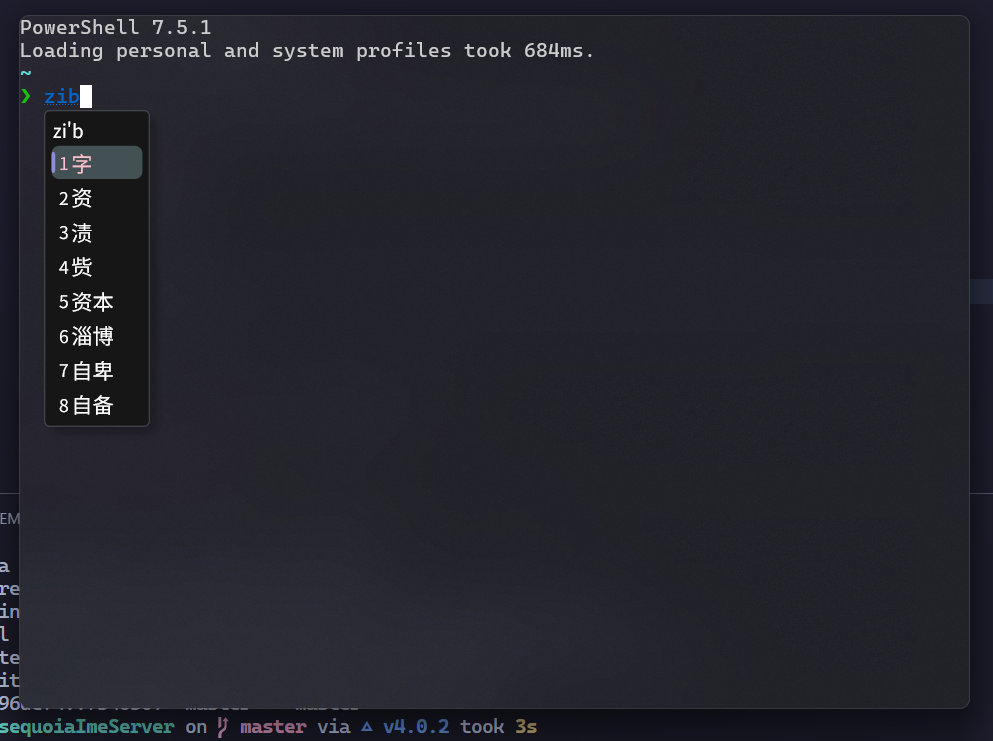
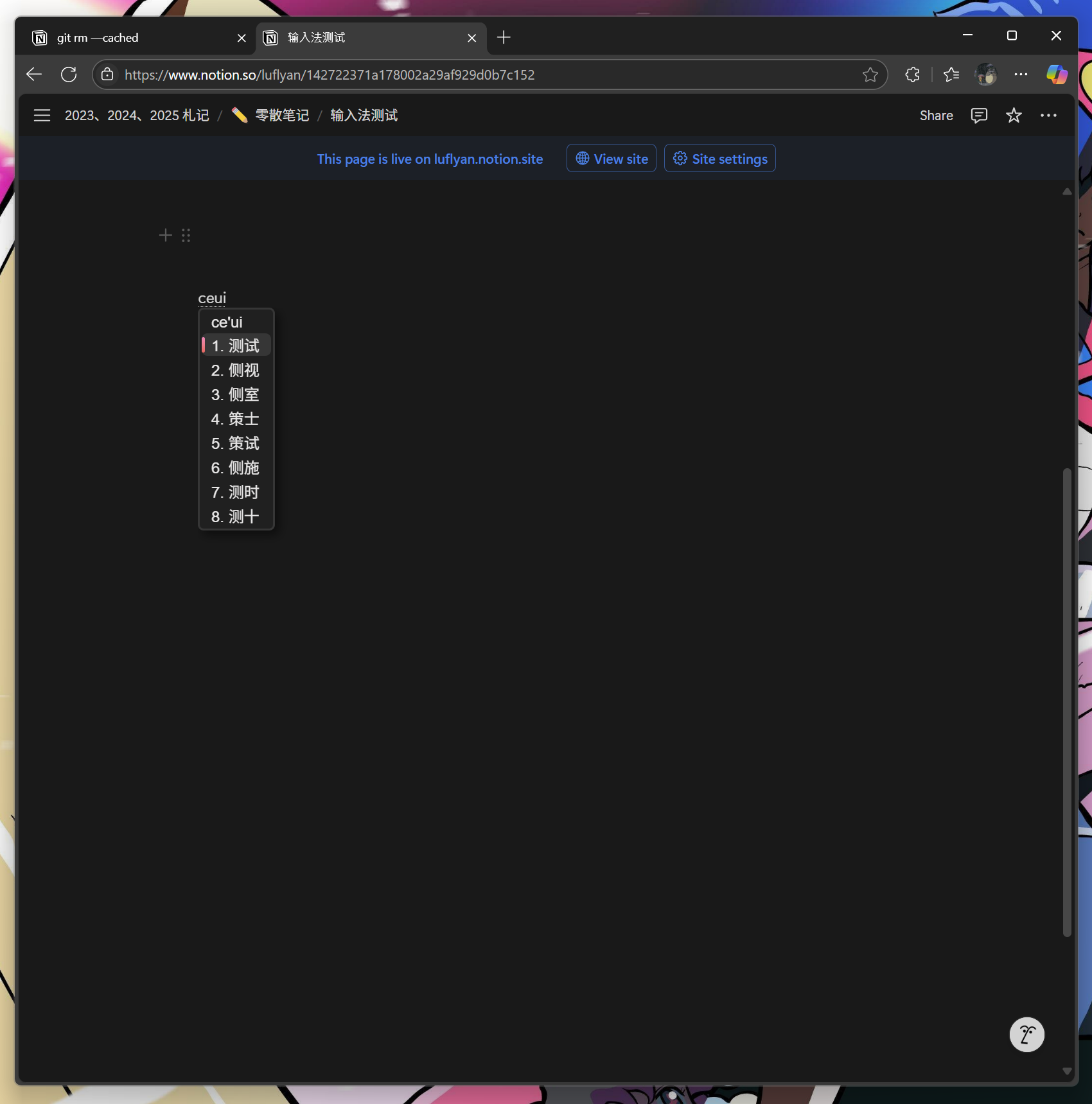
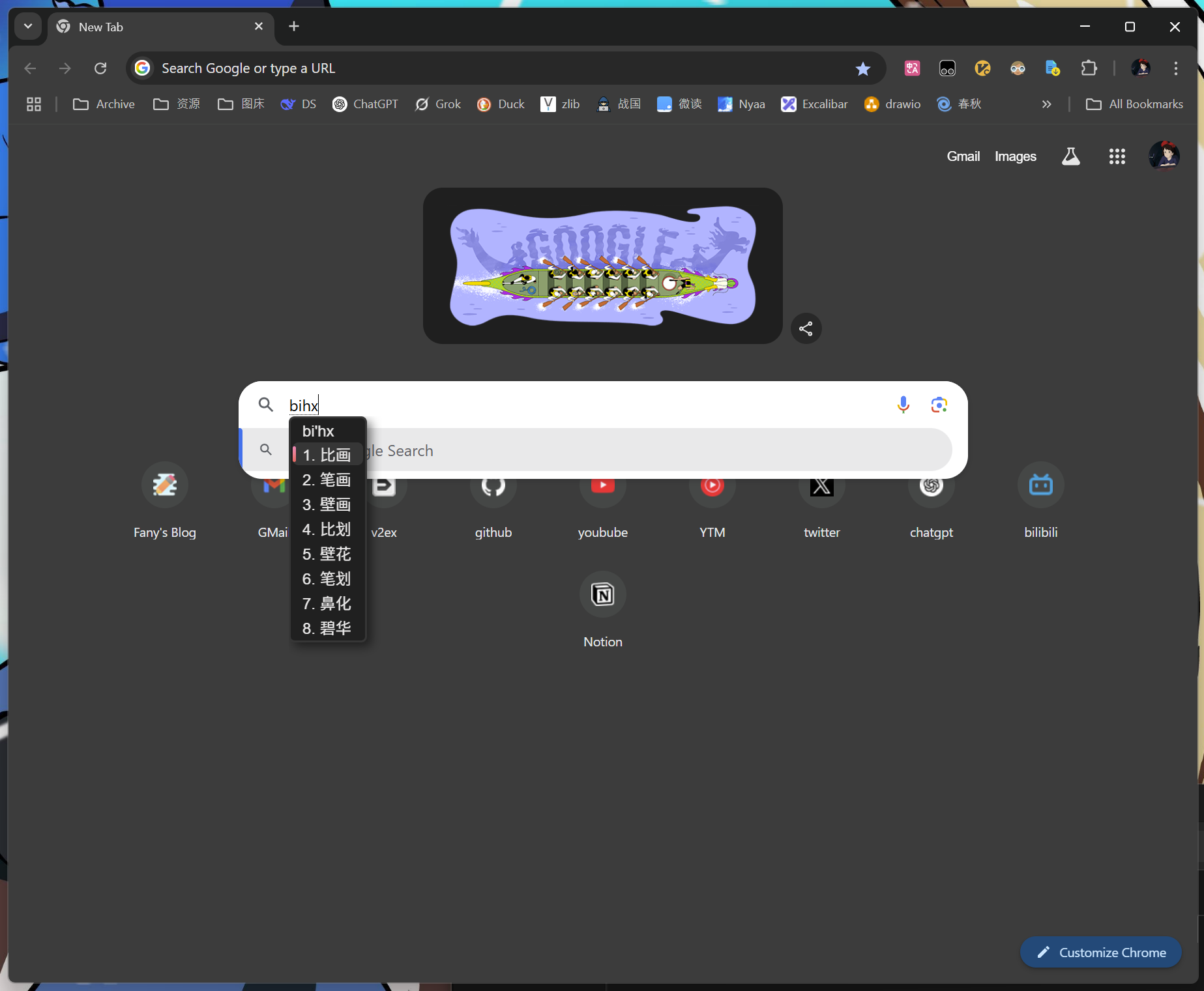
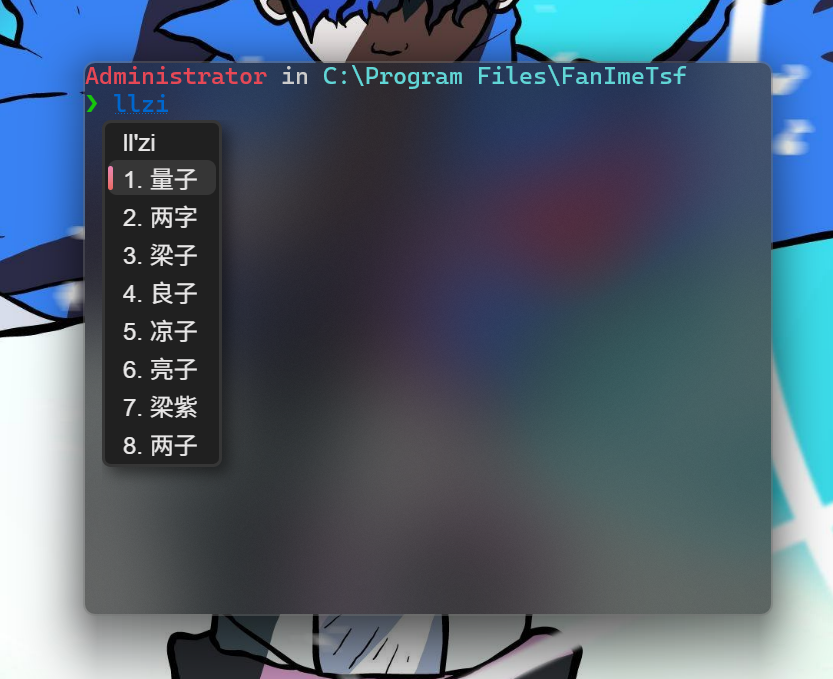
Screenshots