 Lu Fan(SonnyCalcr)
1b875267db
* refactor(engine): 语音独立工具改用原生托盘菜单,移除 WebView2

托盘菜单改用 Win32 弹出菜单,设置项改为用关联编辑器打开 config.toml,关于页改为消息框。删除 window_webview2 与两份 HTML 资源,windows-app 特性不再依赖 webview2 端口。

* refactor(server): 移除 WebView2,候选窗、工具栏、托盘菜单与设置窗口只保留 Direct2D

删除 src/webview2 与 webview_utils,小窗口的置顶、皮肤重载和工具栏状态缓存移到 window/small_windows,presenter 成为唯一路径,D2D 下的置顶时序与 cloak 行为保持不变。设置进程去掉 WebView2 宿主、鼠标转发与启动图,只构建原生窗口;旧快捷方式传入的 --d2d / --webview2 被忽略。删除 appearance.ui_backend 与 appearance.settings_ui_backend(读取、写入、设置页下拉框与两份配置模板),升级时由模板合并丢弃旧值。设置窗口的图片资源移到 server/assets/settings,安装到数据目录的 assets\settings。不再链接 WebView2Loader,vcpkg 去掉 webview2 端口。

* build(installer): 打包与 CI 不再处理 WebView2 页面和运行时

Prepare-PackageFiles 去掉 -UiHtmlDirectory 与 html 暂存,改为暂存 server/assets/settings;安装器不再检查 WebView2 Runtime、不再创建 ProgramData 下的 WebView2 用户数据目录,升级和卸载时清理旧版留下的 webview2 / webview2-settings 与数据目录里的 html。CI 删除设置页构建、契约同步检查和候选窗 DOM 测试,release 的打包任务不再依赖网页产物;dependabot 去掉 npm。第三方声明去掉 WebView2Loader。

* refactor(ui-html): 删除 WebView2 页面与设置页前端工程

候选窗、工具栏、托盘菜单、设置页、主题和契约副本都已没有使用者;设置窗口用到的图片资源已移到 server/assets/settings。sync-contracts.py 与 pnpm/Vite/TypeScript 工程一并删除,契约仍以 engine/contracts/webview 为唯一来源。

* docs(server): 文档改为只描述 Direct2D 界面

仓库地图去掉 ui-html,组件边界、uiAccess 与置顶时序、设置窗口和配置读写的说明改写为 Direct2D 唯一界面;安装说明去掉 WebView2 Runtime 检查,打包命令去掉 -UiHtmlDirectory;engine/contracts/webview 的说明改为设置窗口是唯一使用者,名字是历史遗留。

* docs(skins): 皮肤说明不再区分 WebView2 与 D2D 渲染器

v2 字段去掉「仅 WebView2」,改为说明由 Direct2D 原生渲染、部分字段仍在补全;颜色必须带 # 改为清单格式约定。随包的 skins/niya-demo/skin.toml 不改,免得用户机器上的同名皮肤在升级时被当成已修改而改名备份。

* docs(ui): demo 说明文字不再提 WebView2
117 lines
4.5 KiB
Markdown
117 lines
4.5 KiB
Markdown
# Metasequoia IME Server(水杉输入法 Server 端)
|
|
|
|
This is the server end of [MSIME-Windows](https://github.com/metasequoiaime/MSIME-Windows).
|
|
|
|
## How to build
|
|
|
|
### Prerequisites
|
|
|
|
- Visual Studio 2026
|
|
- CMake
|
|
- vcpkg
|
|
- Python3.10+
|
|
- Boost
|
|
|
|
Make sure vcpkg and Boost are installed by **Scoop**.
|
|
|
|
### Build steps(For Dev)
|
|
|
|
Clone the product and provision the reviewed dictionary release from its root:
|
|
|
|
```powershell
|
|
git clone --recursive https://github.com/metasequoiaime/MSIME-Windows.git
|
|
cd MSIME-Windows
|
|
python scripts/product_lock.py fetch-dictionaries --staging-root .
|
|
if ($LASTEXITCODE -ne 0) { throw 'Dictionary verification failed' }
|
|
$devLocalData = Join-Path $PWD 'build/dev-local'
|
|
$devData = Join-Path $devLocalData 'metasequoiaime'
|
|
New-Item -ItemType Directory -Force $devData | Out-Null
|
|
Copy-Item MetasequoiaImeDict/out/* $devData -Force
|
|
Copy-Item engine/helpcode/helpcodes $devData -Recurse -Force
|
|
Copy-Item server/assets/tables/* $devData -Force
|
|
Copy-Item server/assets/config/config.toml $devData -Force
|
|
$devAssets = Join-Path $devData 'assets'
|
|
New-Item -ItemType Directory -Force $devAssets | Out-Null
|
|
Copy-Item server/assets/settings $devAssets -Recurse -Force
|
|
python server/scripts/prepare_env.py
|
|
if ($LASTEXITCODE -ne 0) { throw 'Server environment setup failed' }
|
|
$env:LOCALAPPDATA = $devLocalData
|
|
$env:METASEQUOIA_IME_DATA_DIR = $devData
|
|
cd server
|
|
```
|
|
|
|
Use a dedicated PowerShell terminal. These steps stage the same locked data as CI
|
|
and the settings window assets in a separate development directory. Both
|
|
`LOCALAPPDATA` (Windows config/assets) and `METASEQUOIA_IME_DATA_DIR` (Engine data)
|
|
are set for that terminal; setting only the latter would still use installed
|
|
Windows configuration and assets. Close the terminal after development.
|
|
Dictionary source changes belong in Engine's `dictionary/`; use its root `build_profile.py`
|
|
to build data instead of calling internal stages in the archived Dict repository.
|
|
|
|
Then, build and run,
|
|
|
|
```powershell
|
|
.\scripts\lcompile.ps1
|
|
.\scripts\lrun.ps1
|
|
```
|
|
|
|
If you want to build and run in **one step**, run the following command,
|
|
|
|
```powershell
|
|
.\scripts\llaunch.ps1
|
|
```
|
|
|
|
## Watchdog
|
|
|
|
`MetasequoiaImeWatchdog.exe` is built next to the server. Starting the server directly also starts the watchdog,
|
|
which monitors the server from the same directory and restarts it after an unexpected exit. Repeated early crashes use
|
|
an exponential restart delay (up to 30 seconds) to avoid a restart storm.
|
|
|
|
The developer terminate shortcut stops both processes. The restart shortcut asks the watchdog to start a fresh server
|
|
after the current process exits.
|
|
|
|
## English prefix candidates
|
|
|
|
Place `english.db` next to `msime.db` in `%LOCALAPPDATA%\metasequoiaime`. Set
|
|
`general.cn_en_mixed_input = true` in `config.toml` to enable asynchronous English prefix candidates for Quanpin and
|
|
Shuangpin. The master switch `utility.mixed_candidates` must also be on; English, emoji, kaomoji and date/time mixed
|
|
candidates are queried together on the single `MixedCandidates` worker thread (`src/mixed/`).
|
|
|
|
## Developer Shortcuts
|
|
|
|
The server process includes a few built-in global shortcuts that are useful during development:
|
|
|
|
- `Ctrl + Shift + Alt + T`
|
|
- terminate `MetasequoiaImeServer` immediately
|
|
- `Ctrl + Shift + Alt + R`
|
|
- restart `MetasequoiaImeServer`
|
|
- Settings exposes the same restart under 外观 → 重启输入法进程; it reaches the
|
|
server over the Aux pipe because Settings runs in its own process
|
|
- `Ctrl + Shift + Alt + C`
|
|
- clear IME engine cache
|
|
- `Ctrl + Shift + Alt + 1` to `Ctrl + Shift + Alt + 8`
|
|
- delete candidate `1` to `8` from the current candidate window
|
|
- this only works while the candidate window is visible
|
|
|
|
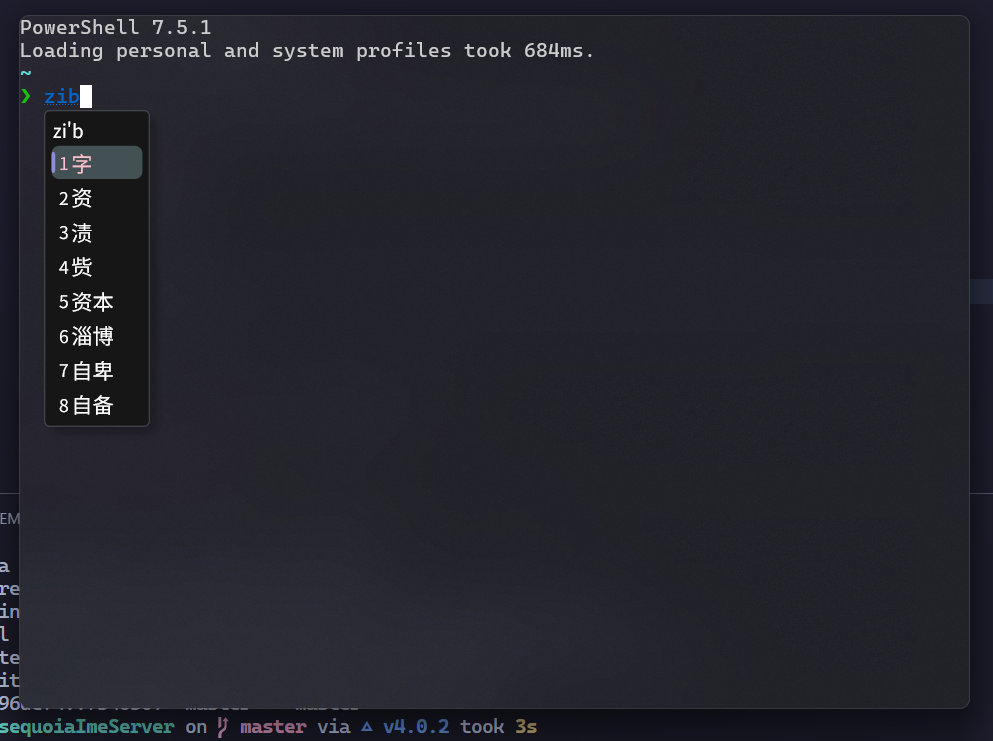
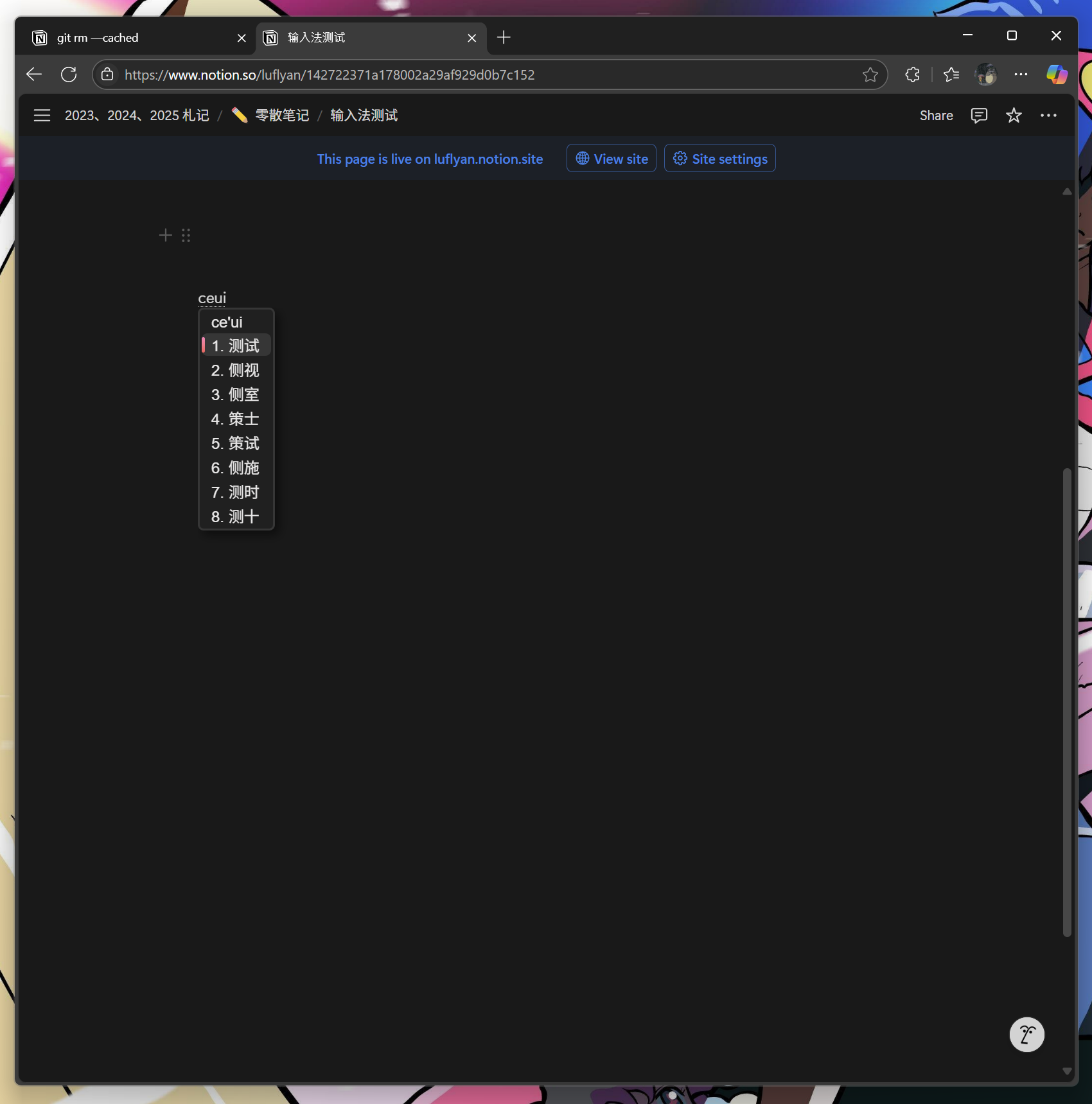
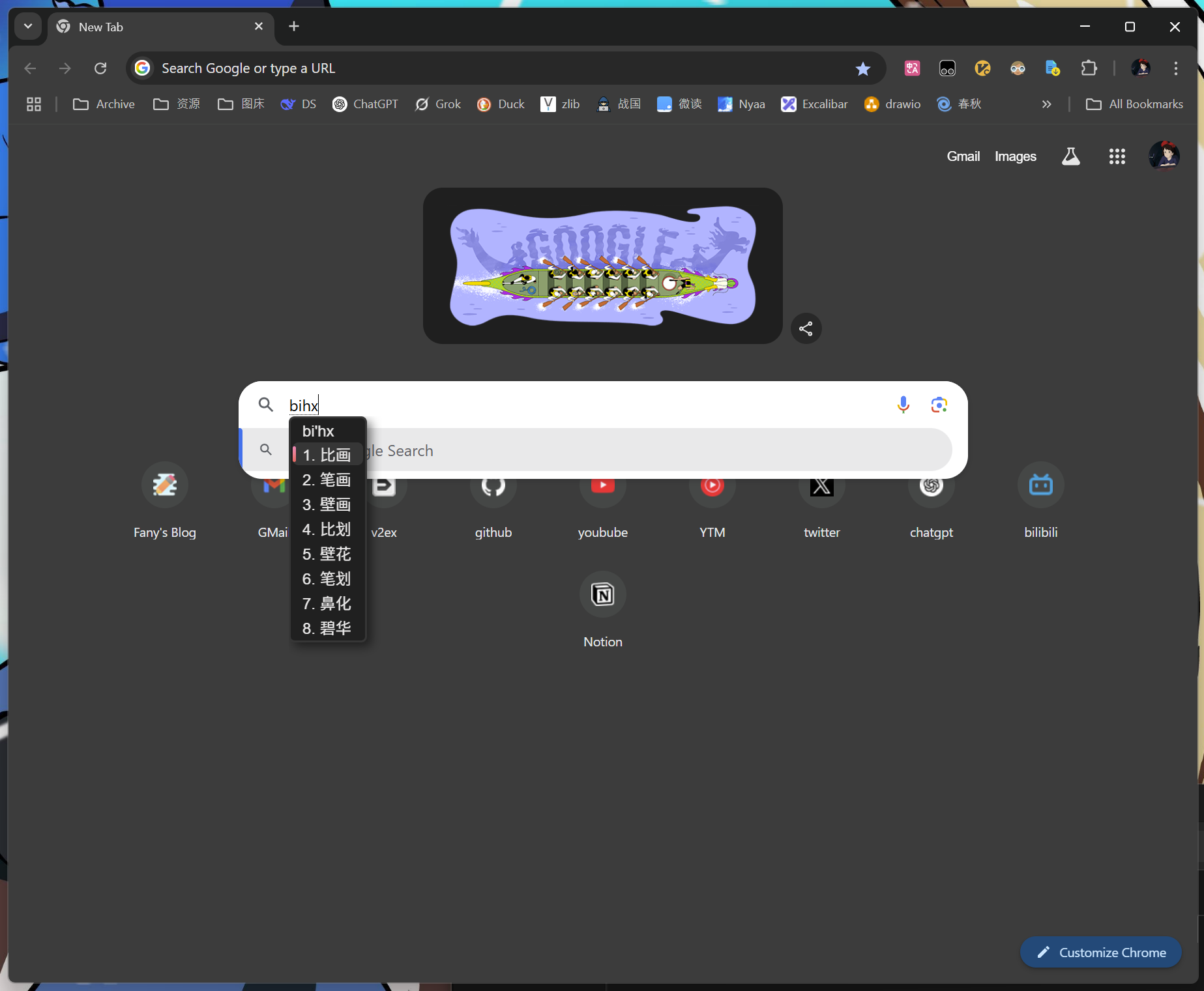
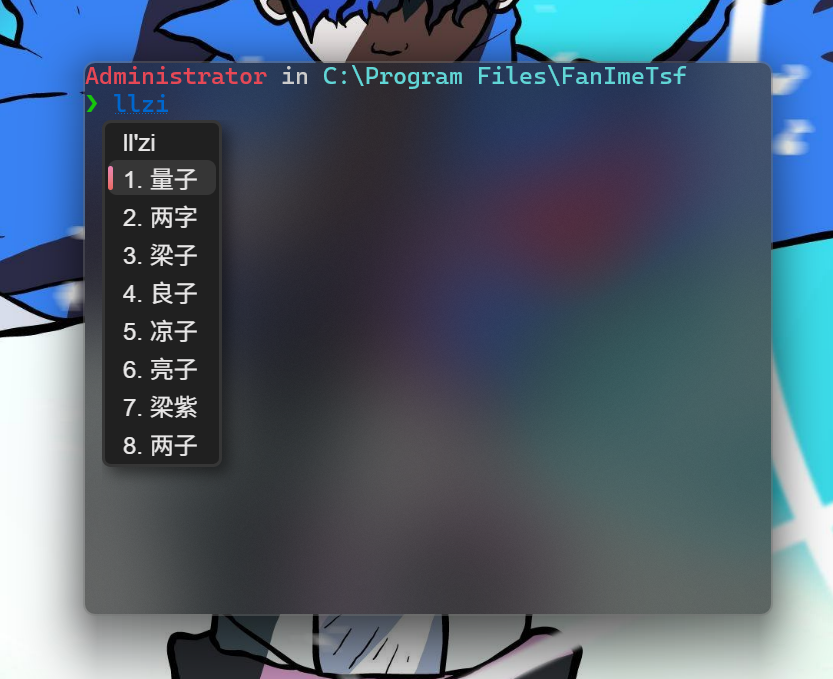
## Screenshots
|
|
|
|
|
|
|
|
|
|
|
|
|
|
|
|
|
|
|
|
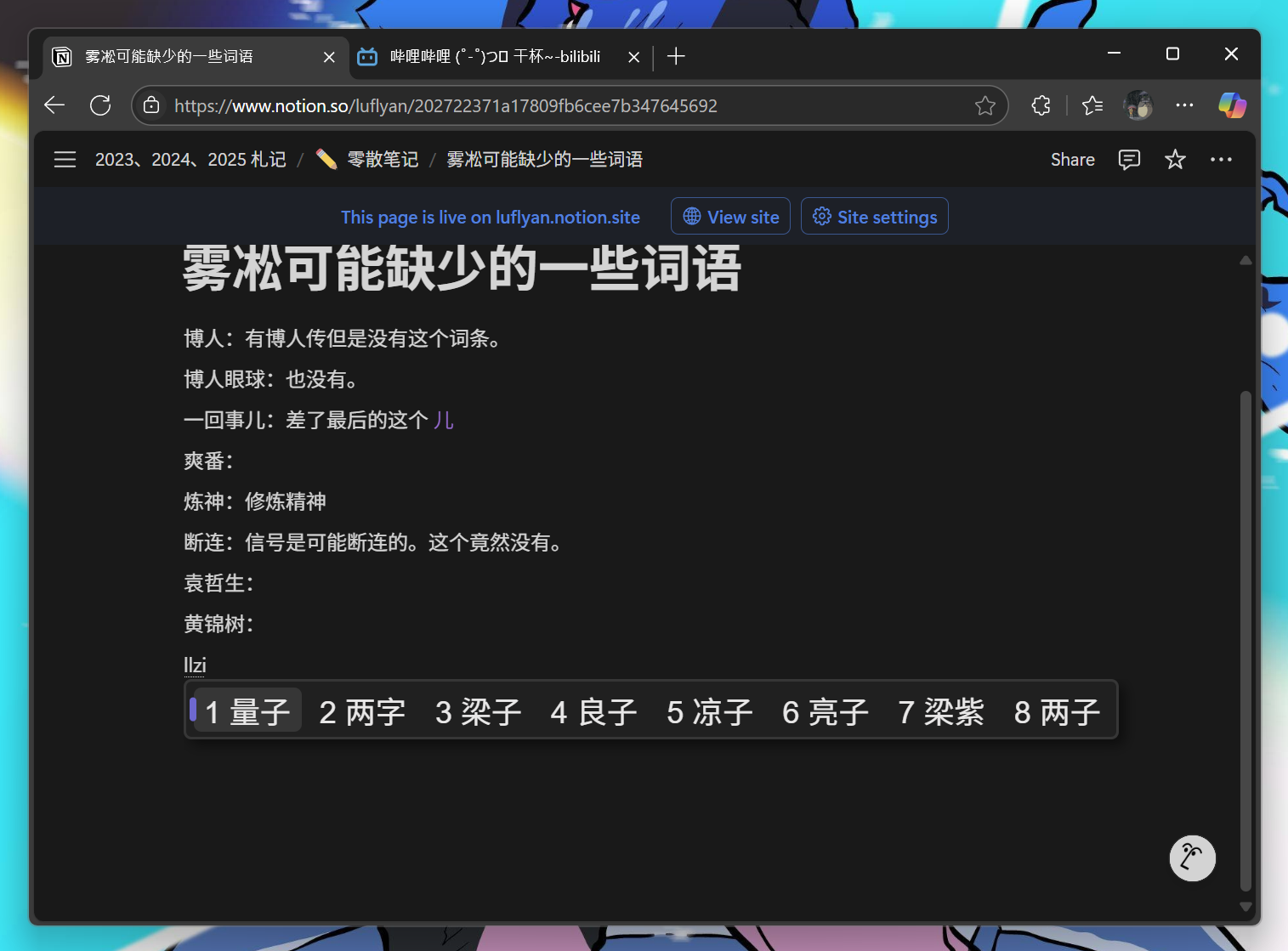
|
|
|
|
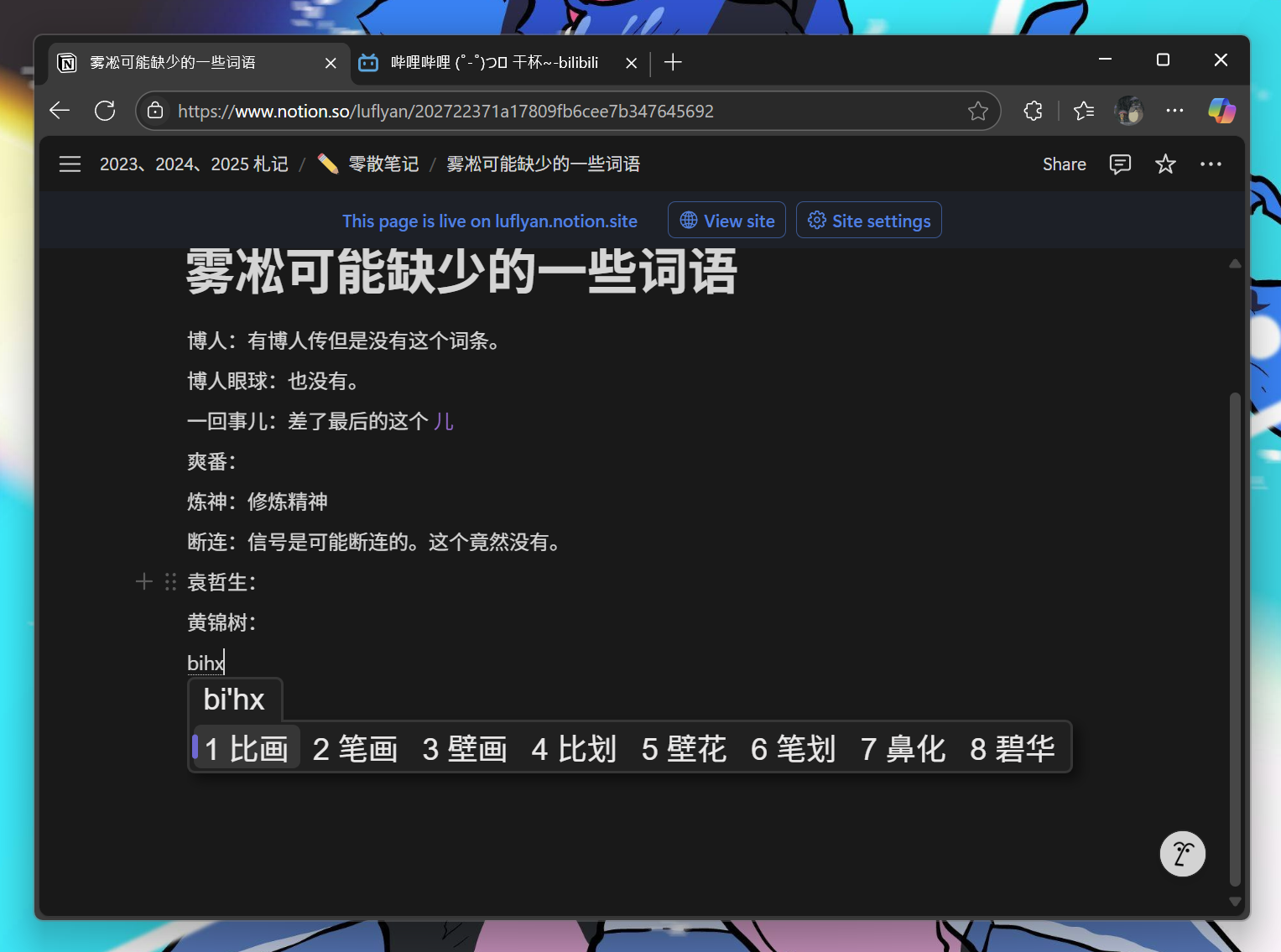
|
|
|
|
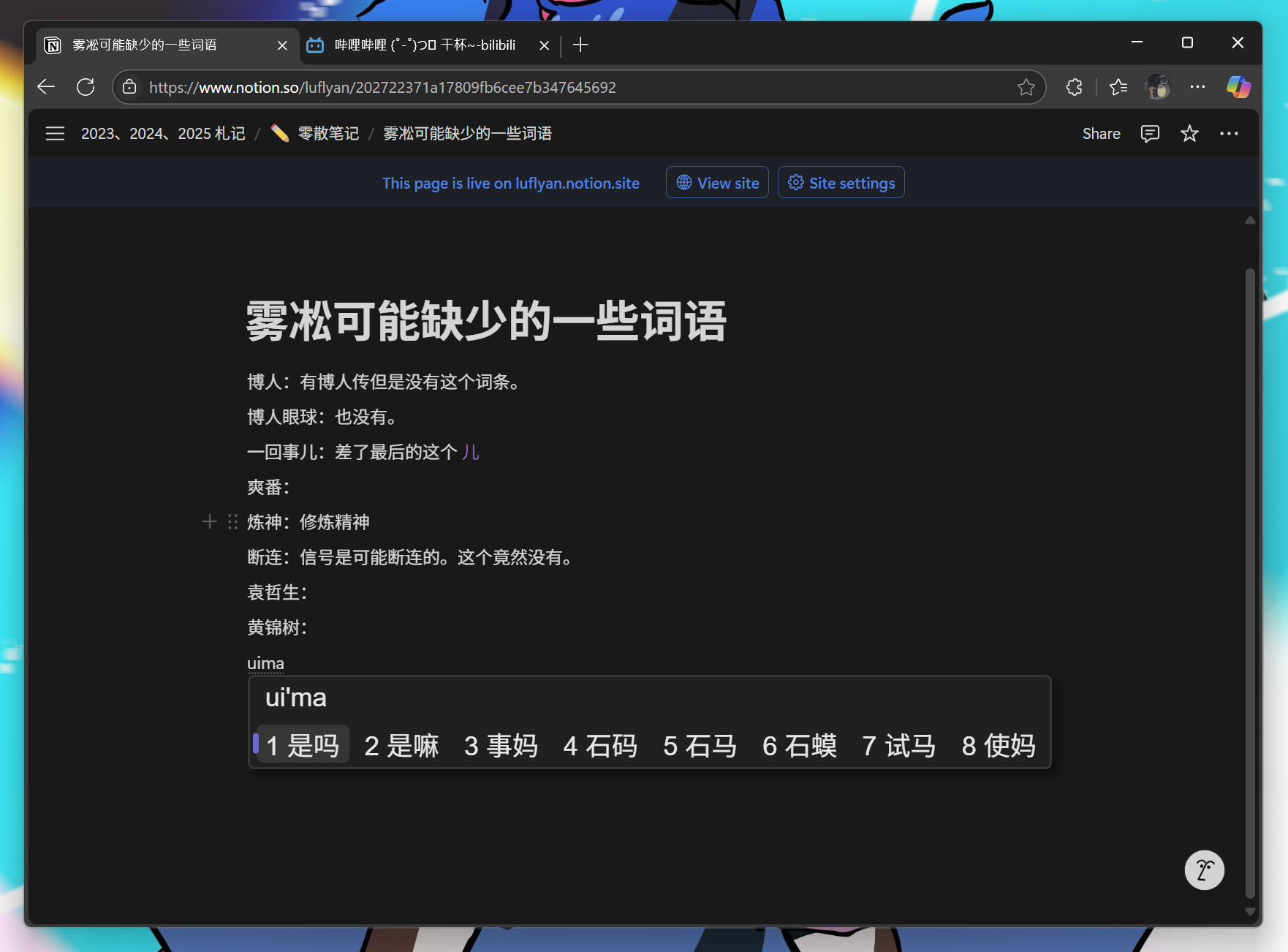
|
|
|
|
## Shared voice providers
|
|
|
|
The server links Engine VoiceCapture and Voice. WAV encoding and batch transcription/polish codecs come from the public library; Windows keeps provider configuration, SiliconFlow padding/retry behavior and Doubao streaming. Batch uploads are bounded to 20 MiB and responses to 1 MiB. Failed or empty polish responses retain the original transcript.
|
|
|
|
本地 Release 构建脚本可通过 `-ManifestTool <mt.exe 路径>` 使用其他 Windows SDK;未指定时沿用现有 SDK 路径。配置、编译或 manifest 嵌入失败都会中止,避免安装器收集旧产物。
|